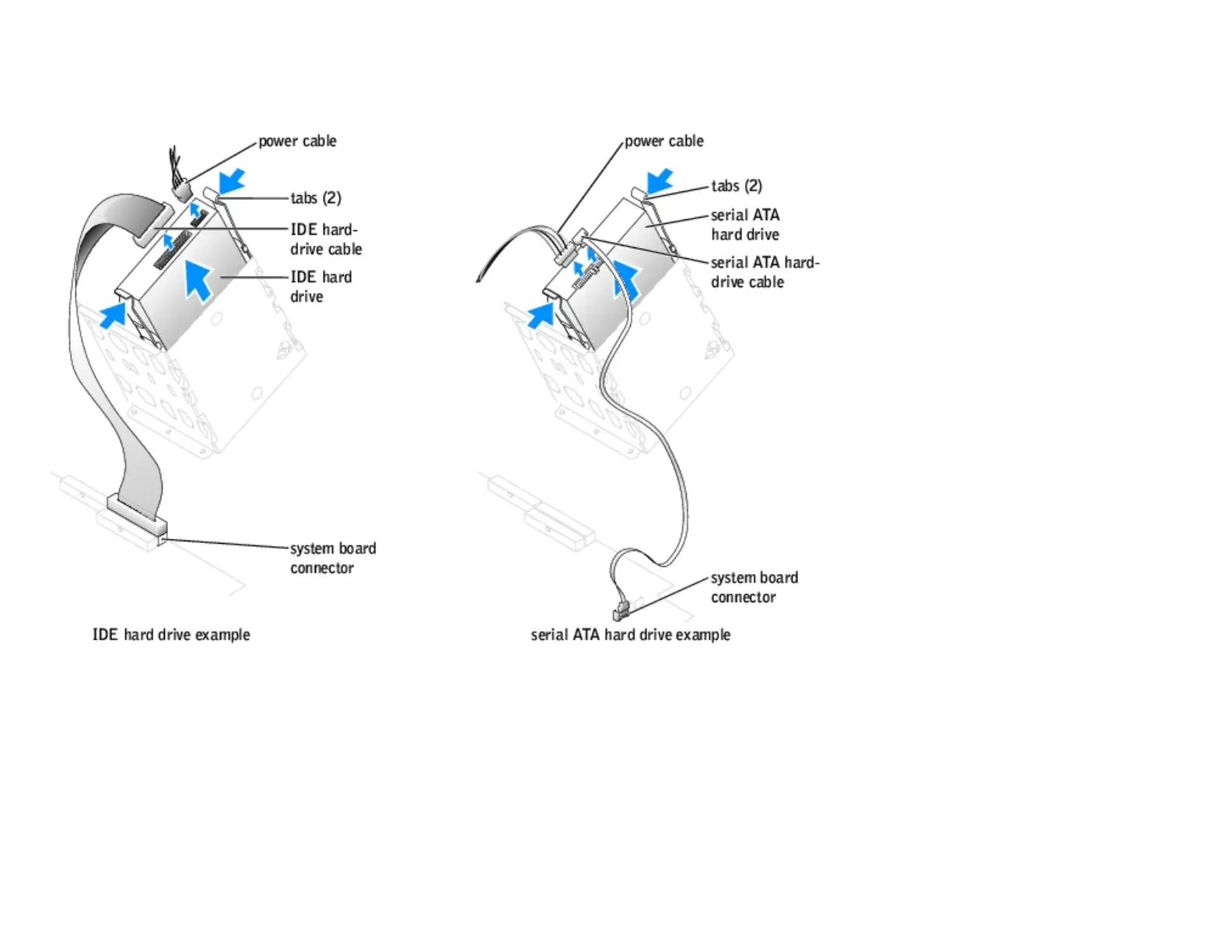
1. Follow the instructions in "Before You Begin."
2. Open the computer cover.
3. Disconnect the power and hard-drive cables from the drive.
4. Press in on the tabs on each side of the drive and slide the drive up and out.
Installing a Hard Drive
1. Unpack the replacement hard drive, and prepare it for installation.
2. Check the documentation for the drive to verify that it is configured for your computer.
3. Follow the instructions in "Before You Begin."
4. Open the computer cover.
http://support.dell.com/support/edocs/systems/dimxpsg2/en/SM/parts.htm (12 of 37) [3/26/2008 3:57:09 PM]










 To Next Page