NOTICE: Do not route card cables over or behind the cards. Cables routed over the cards can prevent the computer
cover from closing properly or cause damage to the equipment.
11. Connect any cables that should be attached to the card.
See the documentation for the card for information about the card's cable connections.
12. Close the computer cover.
NOTICE: To connect a network cable, first plug the cable into the network wall jack and then plug it into the
computer.
13. Connect your computer and devices to electrical outlets, and then turn them on.
14. Install any drivers required for the card as described in the card documentation.
Removing a PCI Card
1. Follow the instructions in "Before You Begin."
2. Open the computer cover.
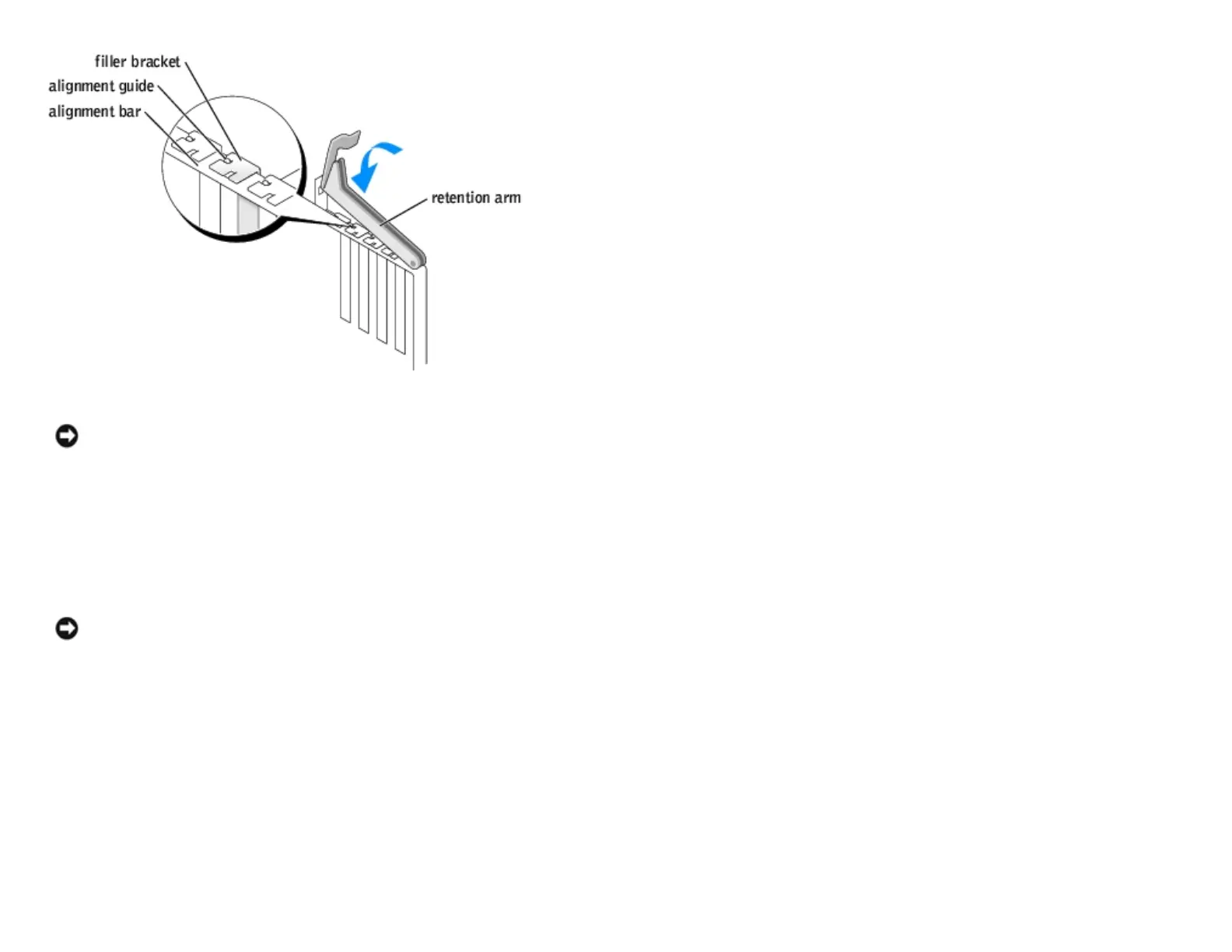
3. Press the lever on the card retention arm and raise the retention arm.
4. If necessary, disconnect any cables connected to the card.
http://support.dell.com/support/edocs/systems/dimxpsg2/en/SM/parts.htm (7 of 37) [3/26/2008 3:57:09 PM]










 To Next Page