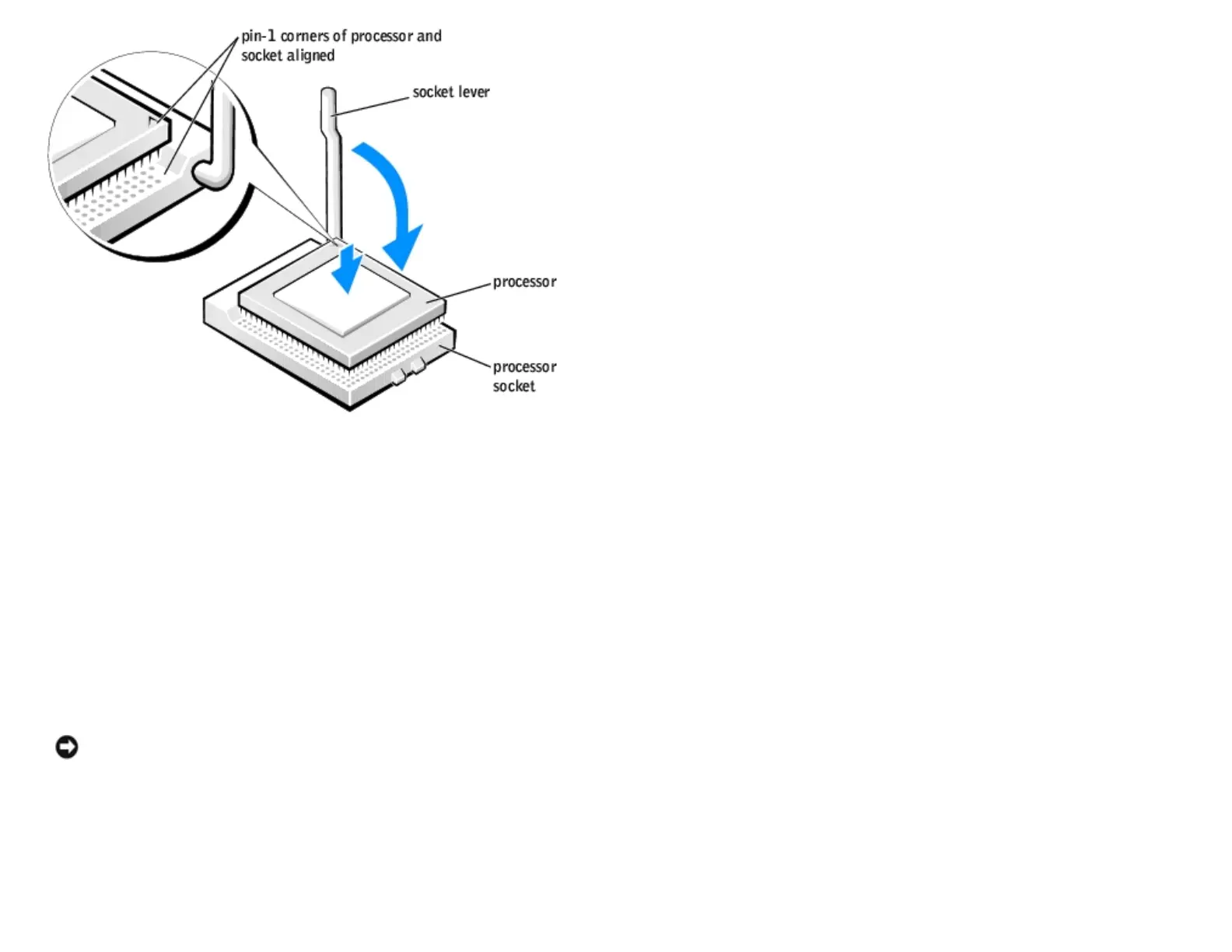
8. Install the heat sink:
a. Insert the notched end of the heat sink onto the end of the retention base that is opposite the hinge.
b. Lower the heat sink until it fits securely in the base.
c. When the heat sink is secured, pivot the retention module clip back until the tab snaps into place to secure the
heat sink.
9. If you installed a processor replacement kit from Dell, return the original heat sink assembly and processor to Dell in
the same package in which your replacement kit was sent.
10. Replace the airflow shroud.
11. Close the computer cover.
NOTICE: To connect a network cable, first plug the cable into the network wall jack and then plug it into the
computer.
12. Connect your computer and devices to electrical outlets, and turn them on.
Removing the Processor
http://support.dell.com/support/edocs/systems/dimxpsg2/en/SM/parts.htm (23 of 37) [3/26/2008 3:57:09 PM]










 To Next Page