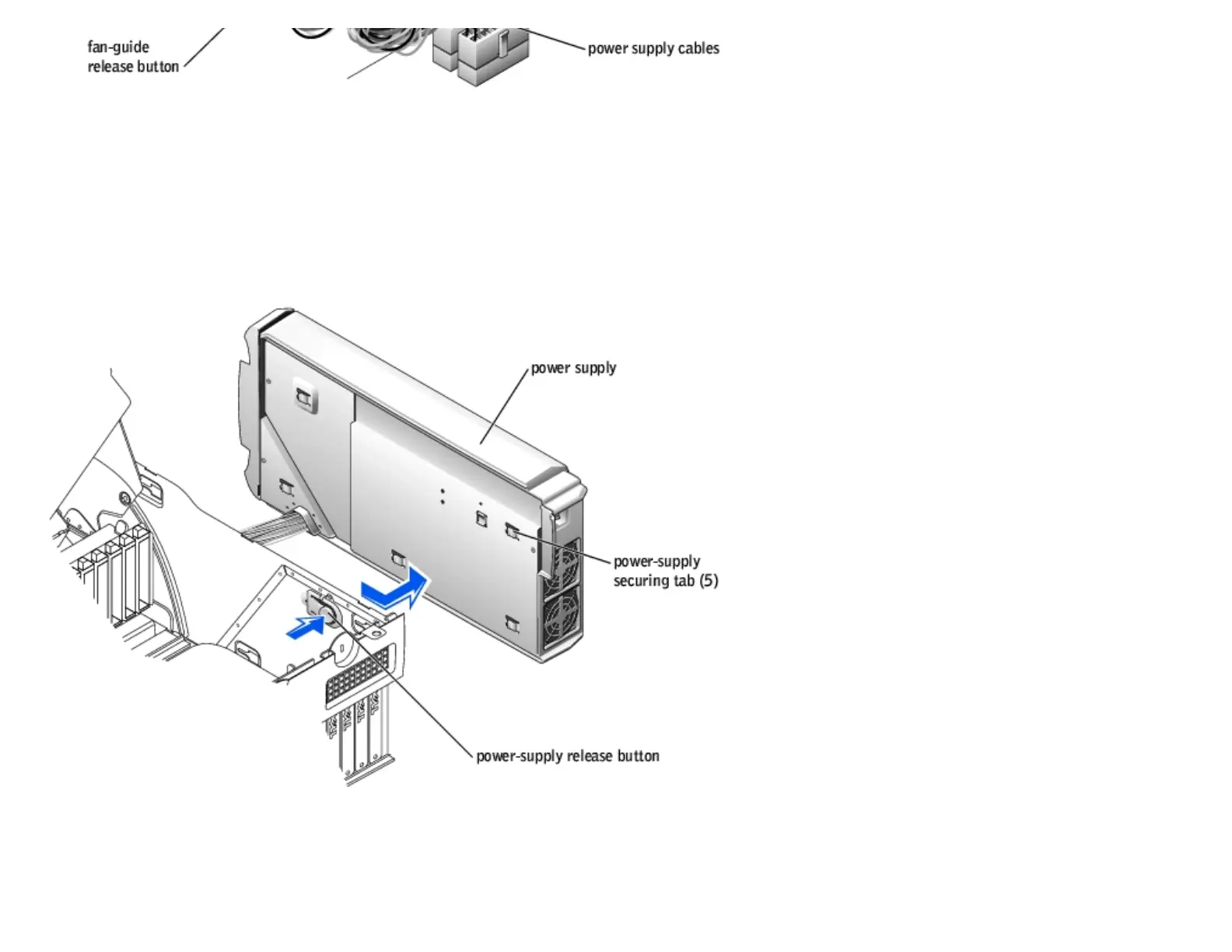
5. Remove the card fan guide:
a. Pull up on the fan-guide release button.
b. Slide the card fan guide to the right.
c. Lift the card fan guide out of the four securing slots in the computer.
6. While pressing the power-supply release button, slide the power supply toward the back of the computer.
7. Lift the power supply away from the computer.
8. Slide the power supply cables out of the computer (through the hole).
Replacing the Power Supply
http://support.dell.com/support/edocs/systems/dimxpsg2/en/SM/parts.htm (29 of 37) [3/26/2008 3:57:09 PM]










 To Next Page