42 Operating your monitor
Icon Menu and submenus Description
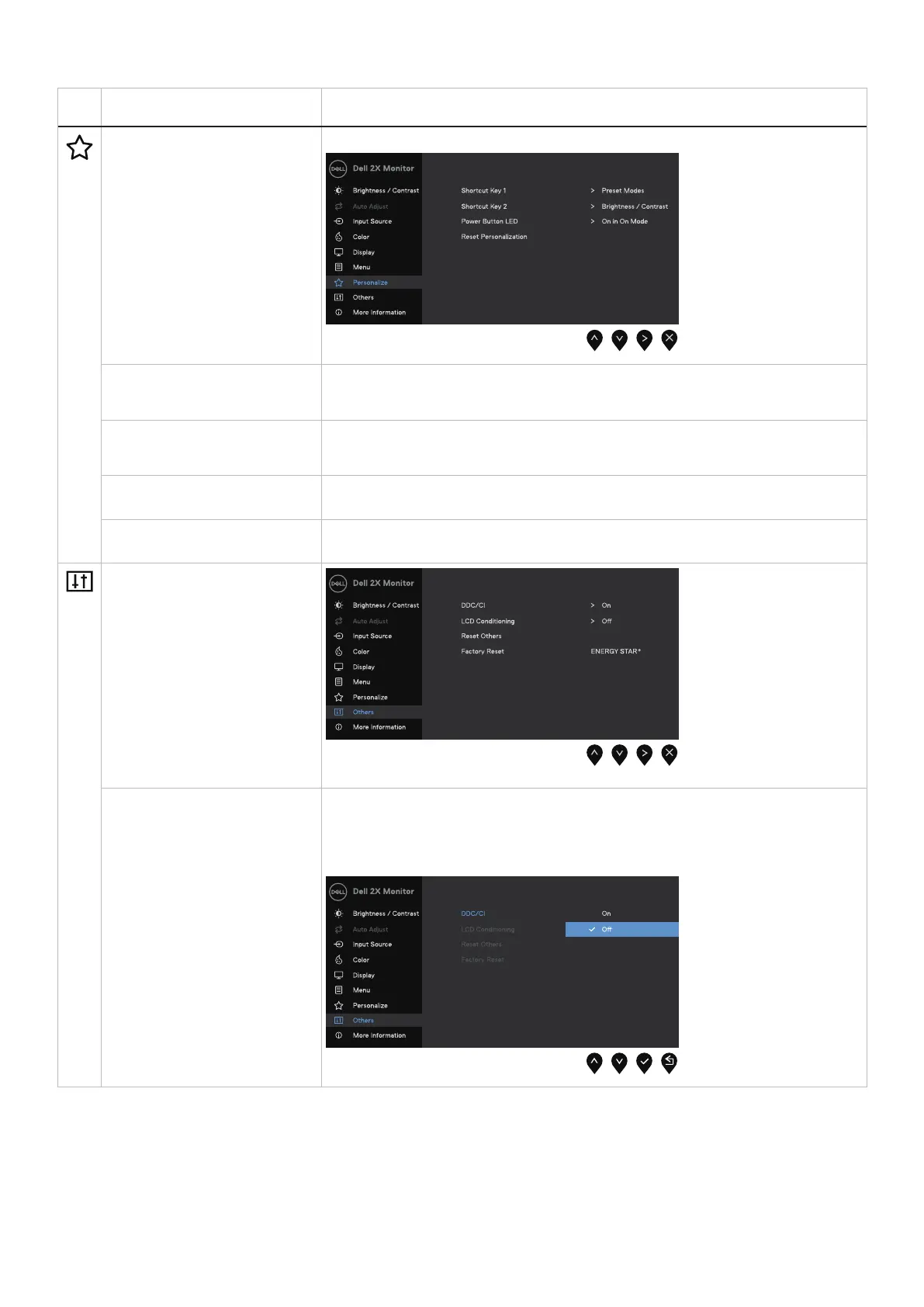
Personalize Selecting this option allows you to set two shortcut keys and power LED indicator function.
Shortcut Key 1 Allow you to select one of the following: Preset Modes, Brightness/Contrast, Auto Adjust,
Input Source, Aspect Ratio, to set the shortcut key 1.
Shortcut Key 2 Allow you to select one of the following: Preset Modes, Brightness/Contrast, Auto Adjust,
Input Source, Aspect Ratio, to set the shortcut key 2.
Power Button LED Allow you to set the power LED indicator On in On Mode or Off in On Mode to save energy.
Reset Personalization Allow you to restore shortcut key to the default setting.
Others
DDC/CI DDC/CI (Display Data Channel/Command Interface) allows you to adjust the monitor
settings using software on your computer.
Select Off to turn off this feature.
Enable this feature for best user experience and optimum performance of your monitor.



 To Next Page