2
Docking Your Computer
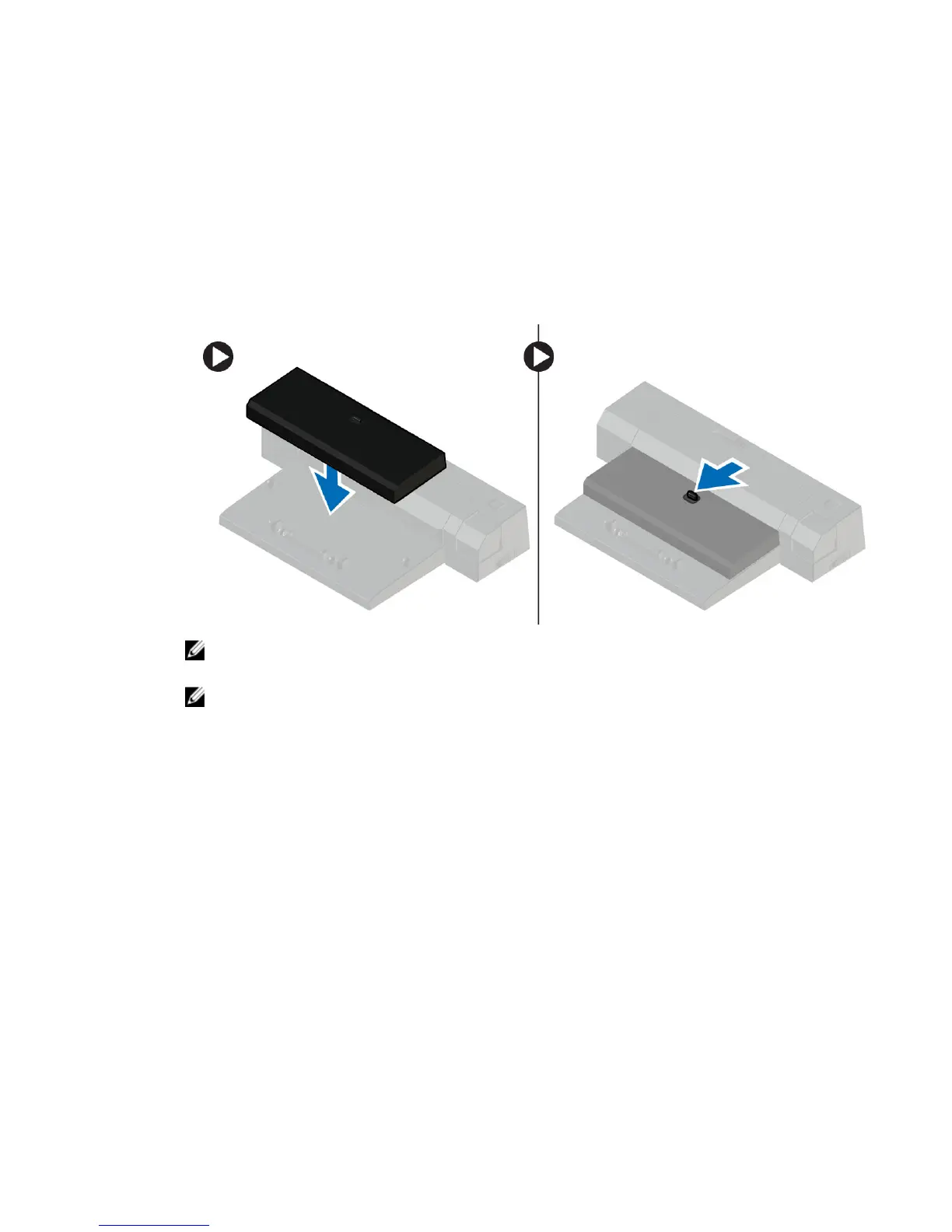
Follow the steps to dock your computer:
a. Place the docking spacer until the docking spacer clicks on its place in the docking station.
b. Place the computer on the docking spacer to dock your computer.
NOTE: This docking spacer can be used to dock only the Latitude E7250 / Latitude E7450
computers. You cannot dock any other Dell computers using this docking station.
NOTE: The docking spacer and the dock are optional items and do not ship standard with a
system.
8














 To Next Page