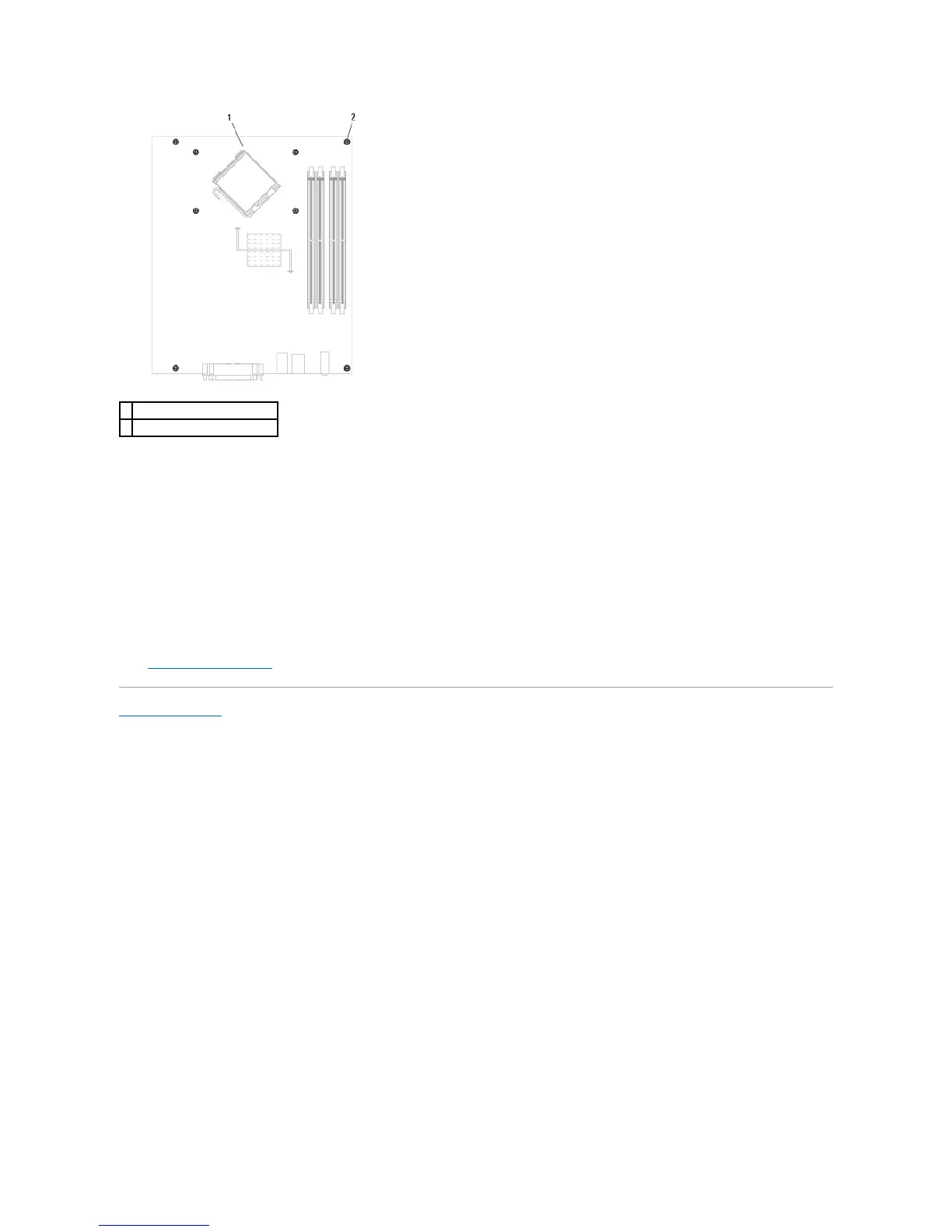
Place the system board assembly that you just removed next to the replacement system board to ensure it is identical.
Replacing the System Board: Mini Tower, Desktop, and Small Form Factor Computers
1. Gently align the board into the chassis and slide it toward the back of the computer.
2. Replace the screws on the system board.
3. Replace any components and cables that you removed from the system board.
4. Reconnect all cables to their connectors at the back of the computer.
5. Replace the computer cover.
Back to Contents Page















 To Next Page