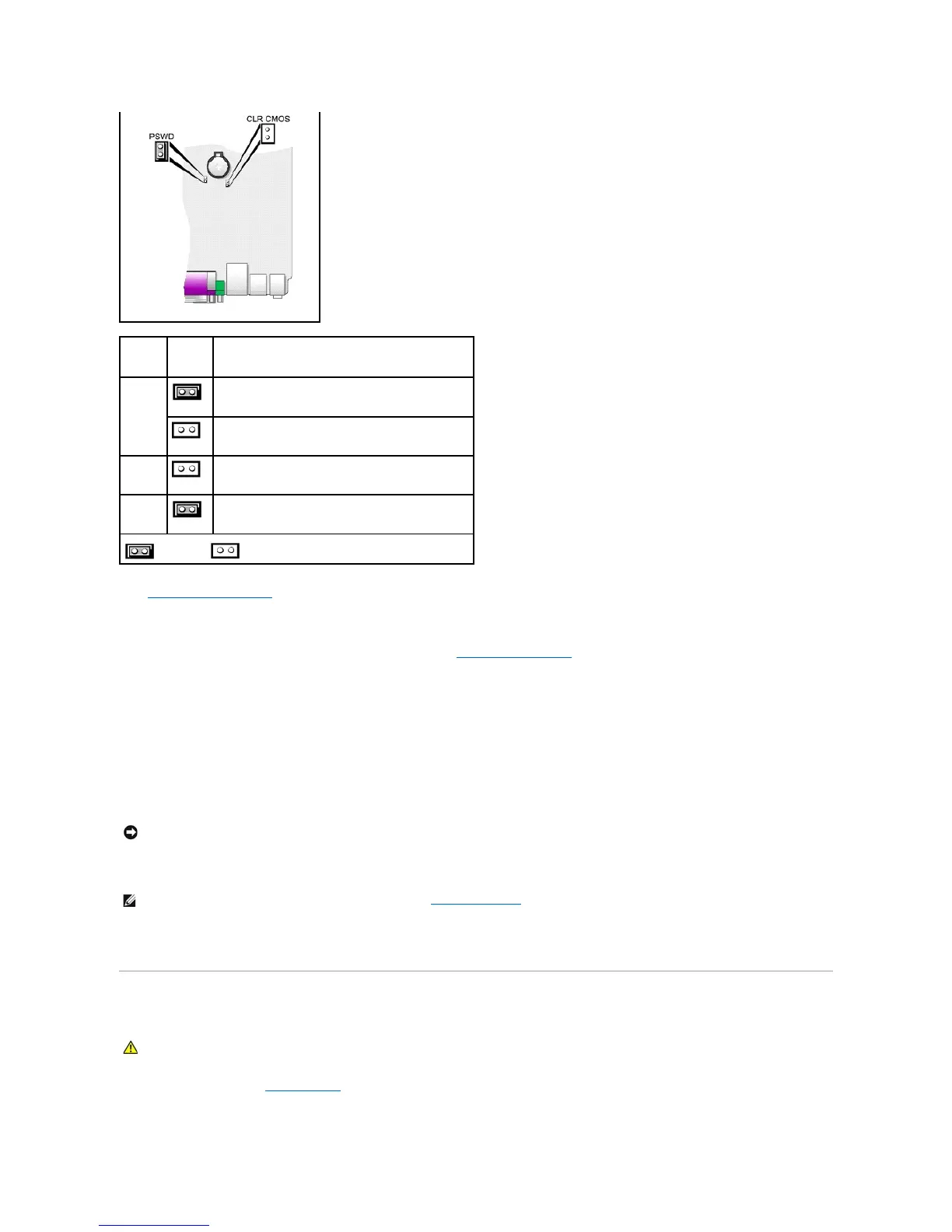
3. Replace the computer cover.
4. Connect your computer and monitor to electrical outlets, and turn them on.
5. After the Microsoft®Windows®desktop appears on your computer, shut down your computer.
6. Turn off the monitor and disconnect it from the electrical outlet.
7. Disconnect the computer power cable from the electrical outlet, and press the power button to ground the system board.
8. Open the computer cover.
9. Locate the 2-pin password jumper on the system board and attach the jumper to reenable the password feature.
10. Replace the computer cover.
11. Connect your computer and devices to electrical outlets, and turn them on.
12. Assign a new system and/or administrator password.
Clearing CMOS Settings
1. Follow the procedures in "Before You Begin."
NOTE: This procedure enables the password feature. When you enter system setup, both system and administrator password options appear as Not
Set—meaning that the password feature is enabled but no password is assigned.















 To Next Page