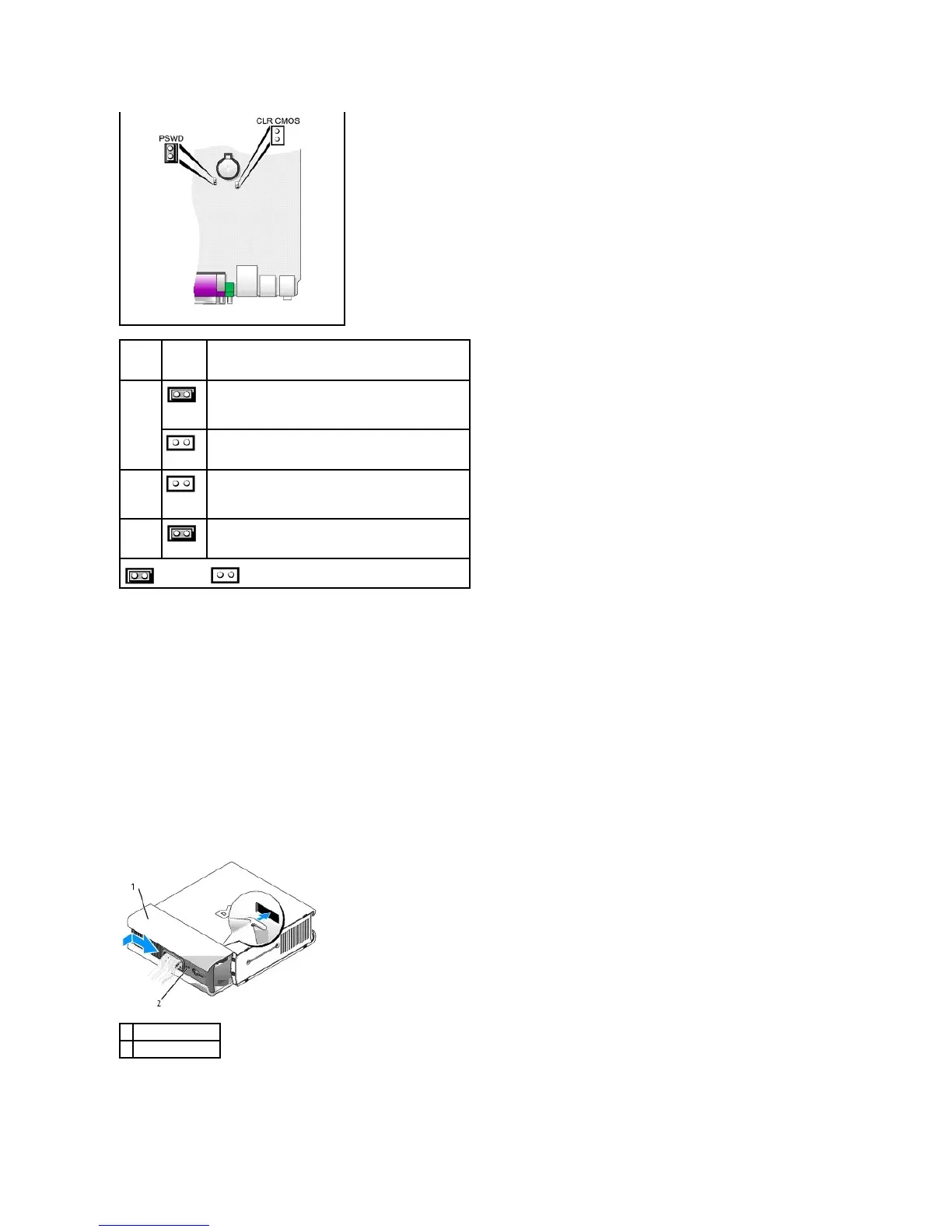
Cable Cover (Optional)
Attaching the Cable Cover
1. Ensure that all external device cables are threaded through the hole in the cable cover.
2. Connect all device cables to the connectors on the back of the computer.
3. Hold the bottom piece of the cable cover and align the four tabs with the four slots on the computer's back panel.
4. Insert the tabs into the slots and slide the piece toward the diagnostic lights (see the illustration) until the cable cover is securely positioned.
5. Install a security device in the security cable slot (optional).
Removing the Cable Cover














 To Next Page