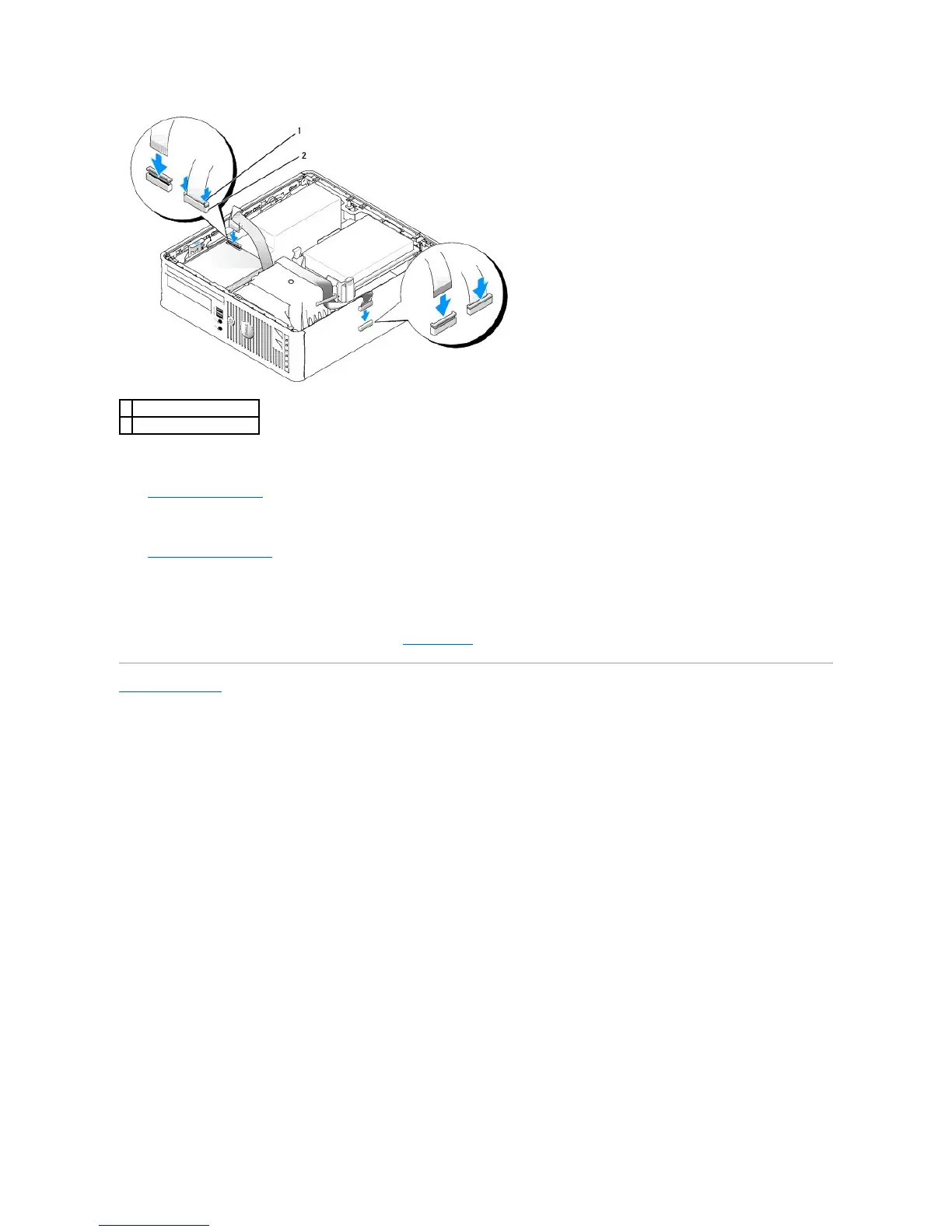
5. Check all cable connections, and fold cables out of the way to provide airflow for the fan and cooling vents.
6. Replace the CD/DVD drive.
7. Check all cable connections, and fold cables out of the way to provide airflow for the fan and cooling vents.
8. Replace the computer cover.
9. Enter and use the Diskette Drive option to enable your new floppy drive.
See the documentation that came with the drive for instructions on installing any software required for drive operation.
10. Verify that your computer works correctly by running the Dell Diagnostics.
Back to Contents Page















 To Next Page