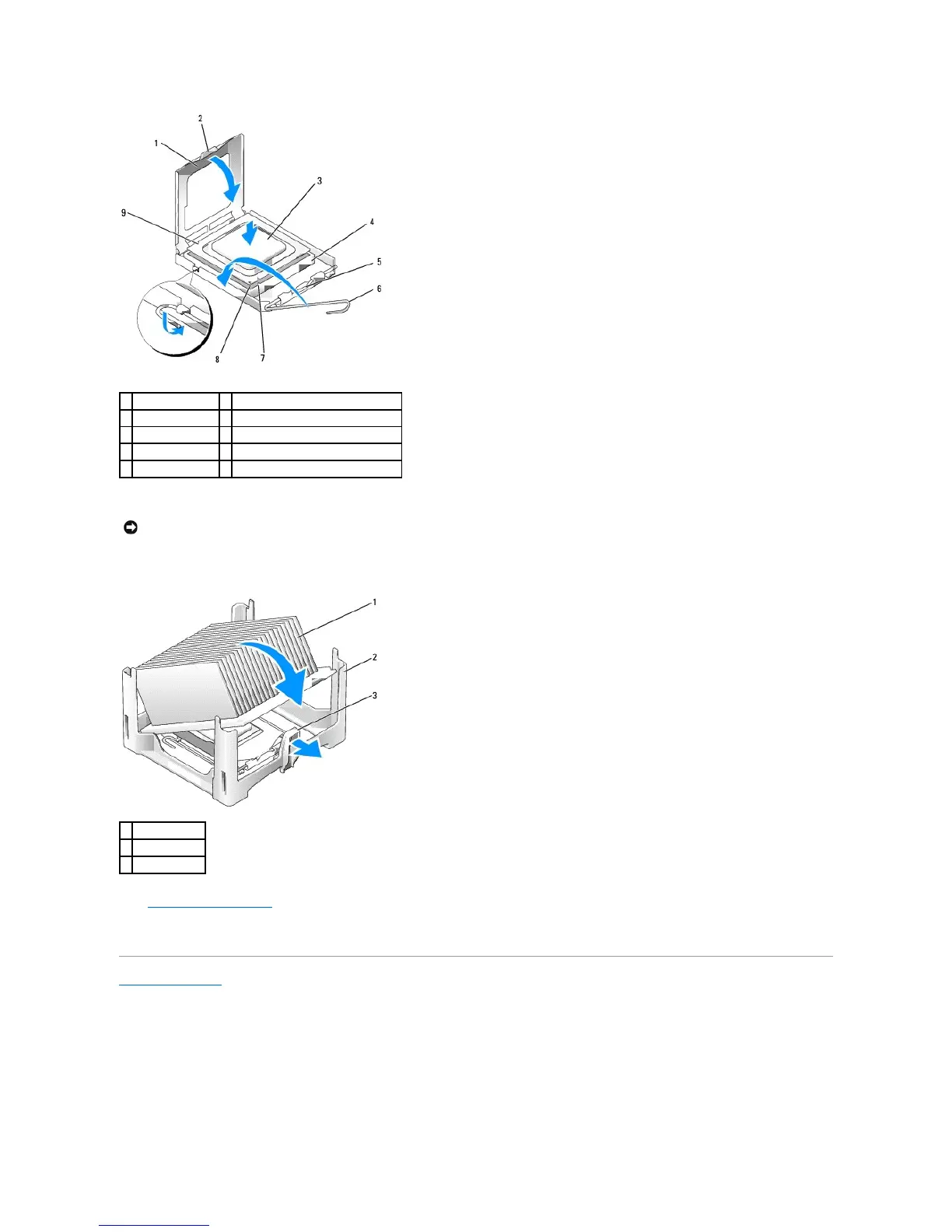
If you are installing a processor replacement kit from Dell, return the processor to Dell in the same package in which your replacement kit was sent.
11. Place one end of the heat sink under the tab on the retention base on the side opposite the release lever (see the following illustration). Lower the
heat sink onto the processor so that the heat sink fits securely under the tab on the other end of the retention base.
12. Replace the computer cover.
13. Replace the cable cover, if used.
Back to Contents Page















 To Next Page