About Your Computer 15
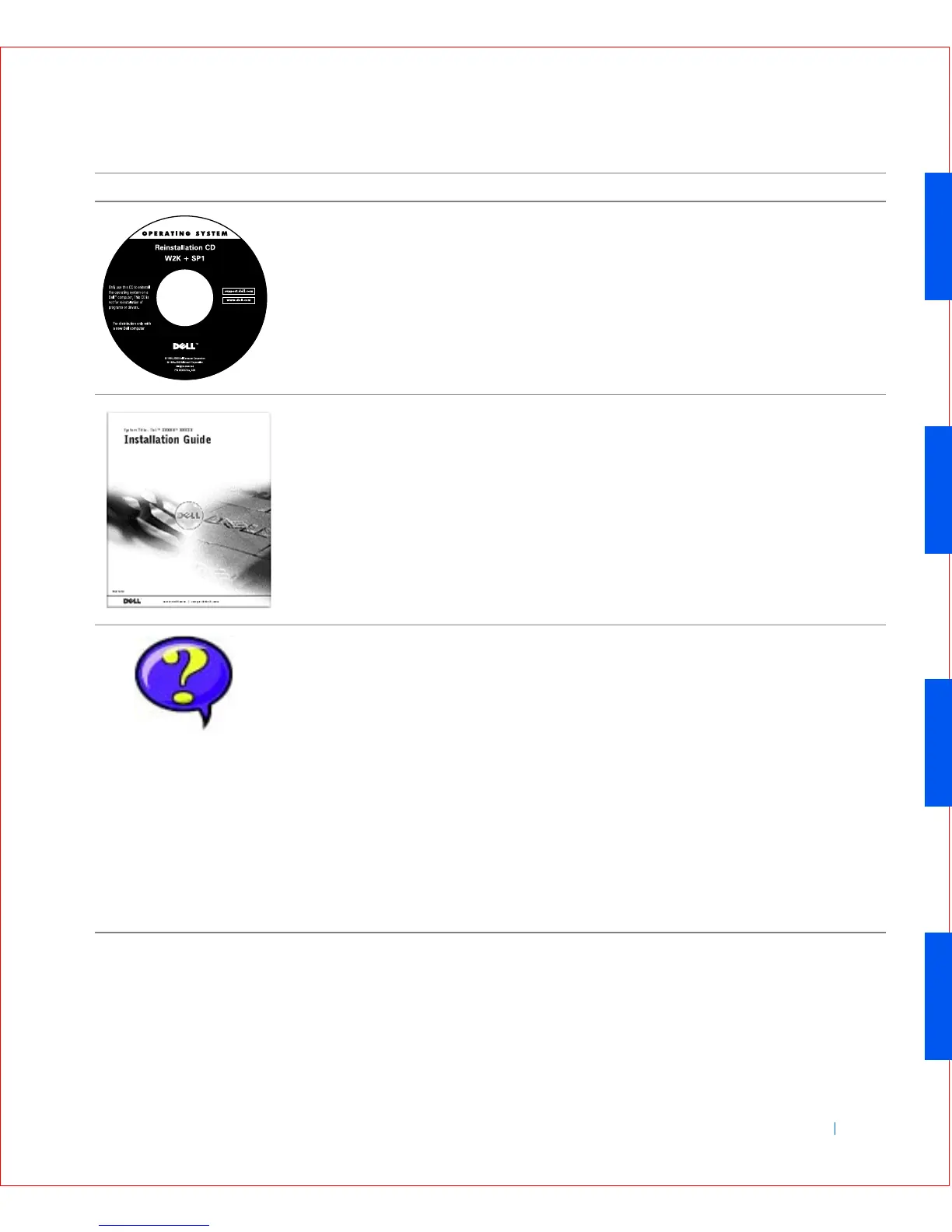
Operating system CD Use the operating system CD, which was shipped with
your computer, to reinstall your operating system.
NOTE: The operating system CD may not include all the
latest drivers for your computer. If you reinstall your
operating system, use the ResourceCD to reinstall drivers
for the devices shipped with your computer.
For more information about reinstalling your operating
system, see the operating system installation guide that
was shipped with your computer.
Operating system installation
guide
Read the operating system installation guide for
information on reinstalling and configuring your
operating system.
Click the Start button and select Help or Help and
Support, depending on your operating system, to obtain
more information on your operating system.
User’s guides for your
computer and devices
Depending on your operating system, double-click the
User’s Guides icon on your desktop or click the Start
button and then select Help and Support to access the
electronic documentation stored on your hard drive.
Obtain information on the following:
• Using your computer
• Configuring system settings
• Removing and installing parts
• Installing and configuring software
• Diagnosing a problem
• Obtaining technical specifications
• Acquiring device documentation (on selected
operating systems)
• Getting technical assistance
Resources Contents Using the Resource
User’s Guides









 To Next Page