88 Installing Upgrades
www.dell.com | support.dell.com
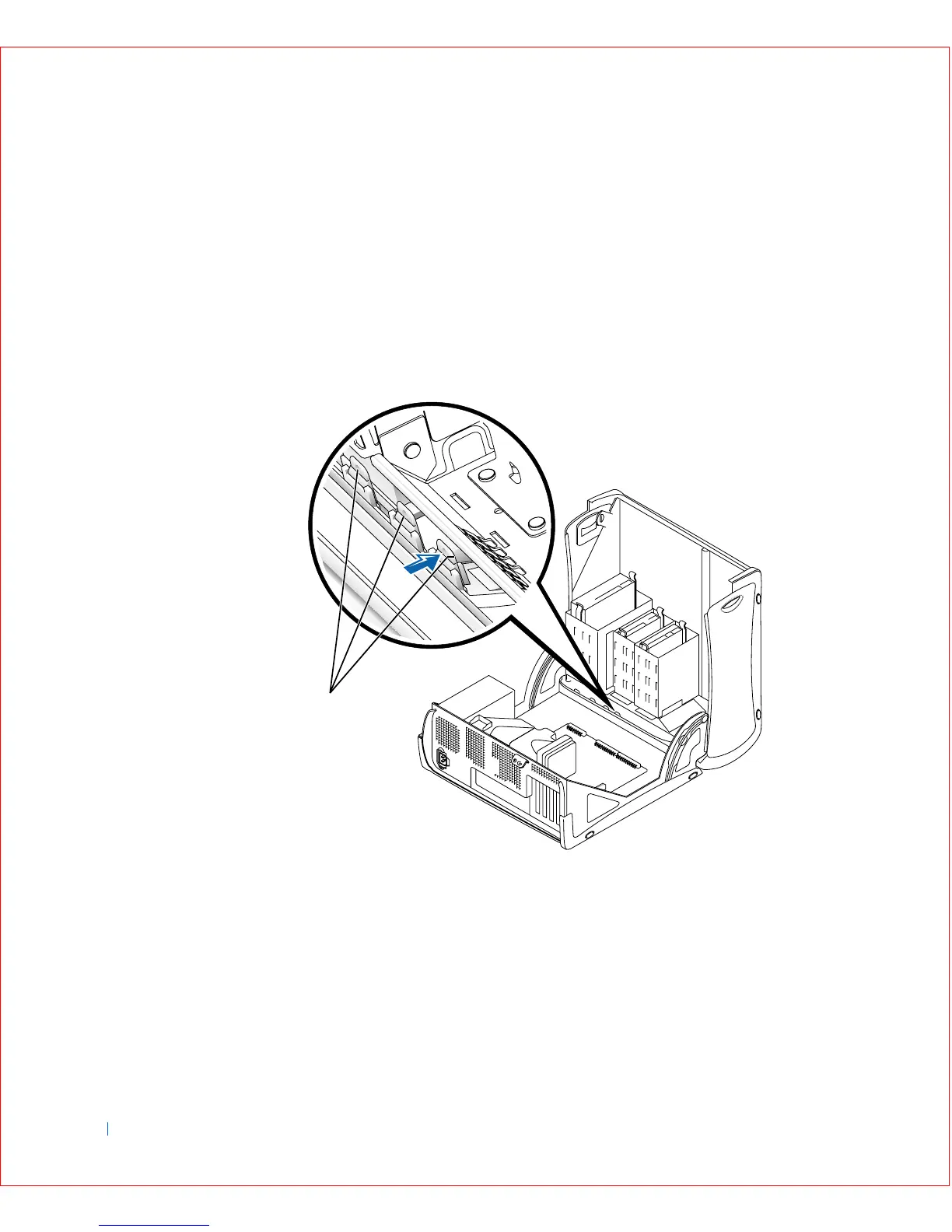
3 Press on the insert until it pops free of the front panel cover.
Removing Front Panel Inserts—Small Mini-Tower Computer
1 Open the computer cover to a 45-degree angle and disconnect the CD
drive data cable.
2 Open the cover to a 90-degree angle and press on the insert tabs to
release them.
Small Mini-Tower Computer
1 Insert tabs
1









 To Next Page