80 Installing Upgrades
www.dell.com | support.dell.com
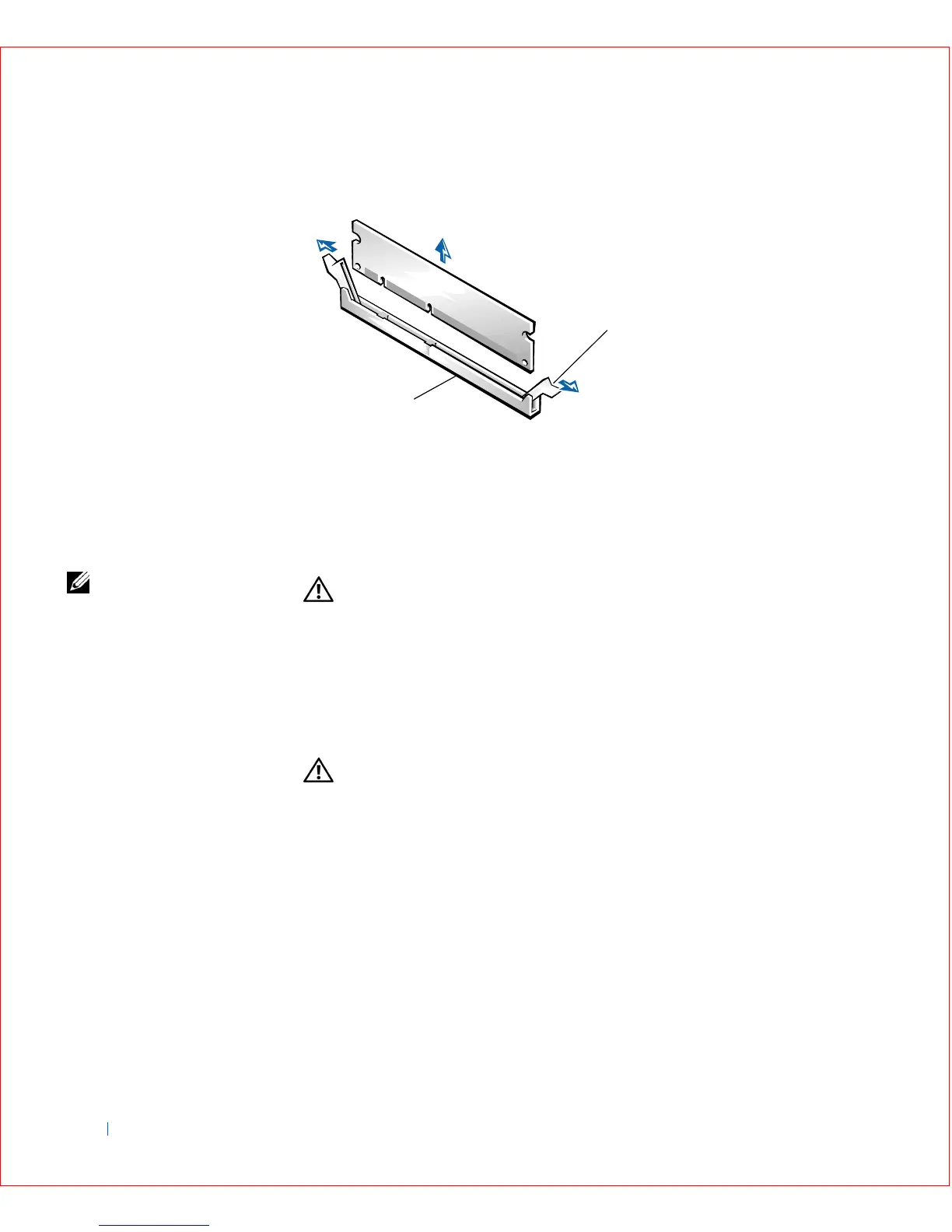
DIMM Removal
Microprocessor
NOTE: Dell recommends
that only a technically
knowledgeable person
perform the following
procedure.
CAUTION: To avoid the possibility of electric shock, turn off the
computer and any devices, disconnect them from their electrical
outlets, and then wait at least 5 seconds before you open the
computer cover. Also, before you upgrade the microprocessor, see
the other precautions in "Safety Instructions."
1
Turn off the computer and devices, disconnect them from their
electrical outlets, wait 10 to 20 seconds, and then open the computer
cover.
CAUTION: The microprocessor and heat sink assembly can get
extremely hot. Be sure the assembly has had sufficient time to
cool before you touch it.
2
Disconnect the fan cable from the system board.
3 On the small mini-tower computer, remove the airflow shroud as
shown in the following illustration.
1 Socket
2 Securing clips (2)
2
1









 To Next Page