Installing Upgrades 75
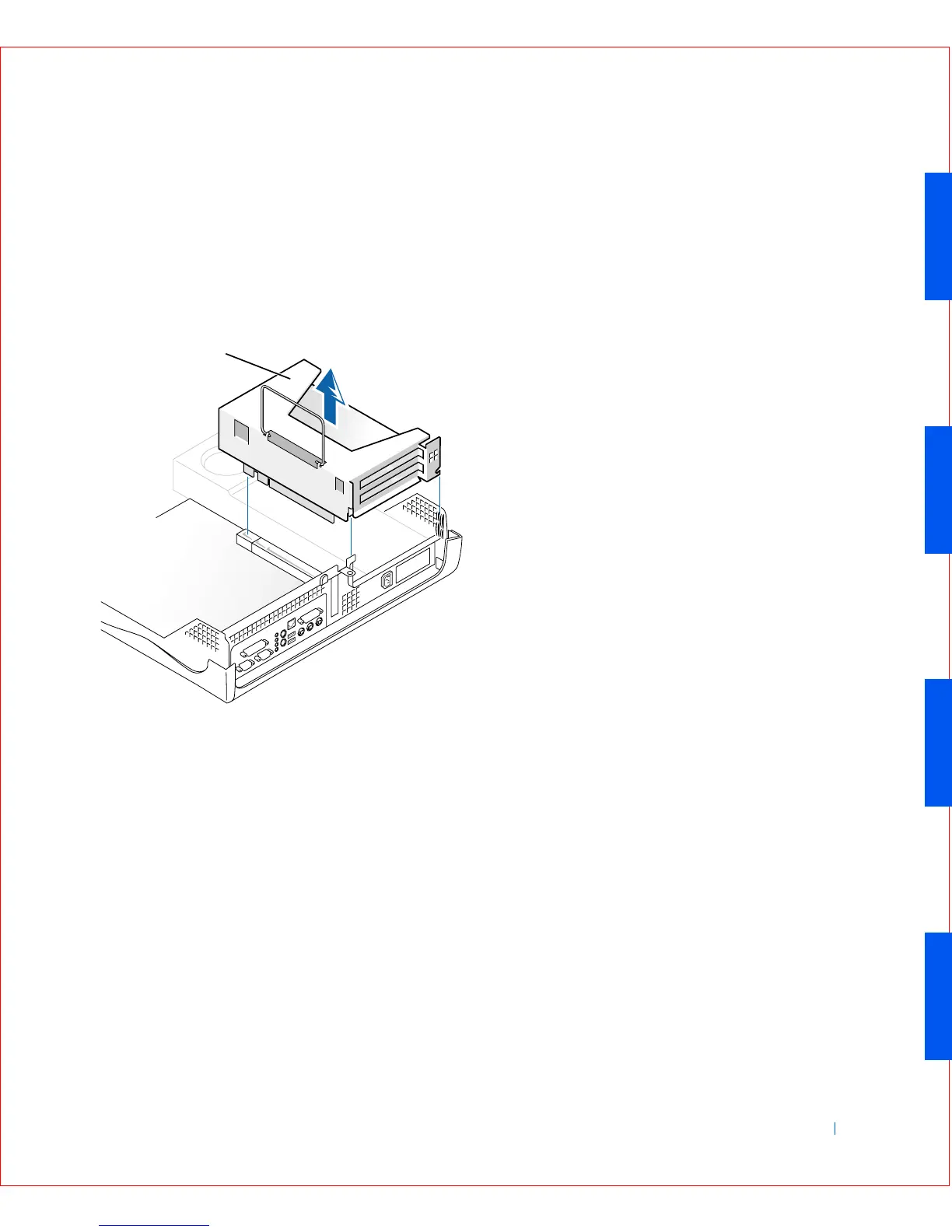
2 Check any cables connected to expansion cards through the back-
panel openings. Disconnect any cables that will not reach the
expansion-card cage once it is removed from the computer.
3 Gently pull on the handle and lift the expansion-card cage up and
away from the computer.
Expansion-Card Cage Removal
Replacing the Expansion-Card Cage
1 Align the slots in the side of the expansion-card cage with the tabs on
the side of the computer, and slide the expansion-card cage down into
place.
1 Expansion-card cage
1









 To Next Page