Installing Upgrades 89
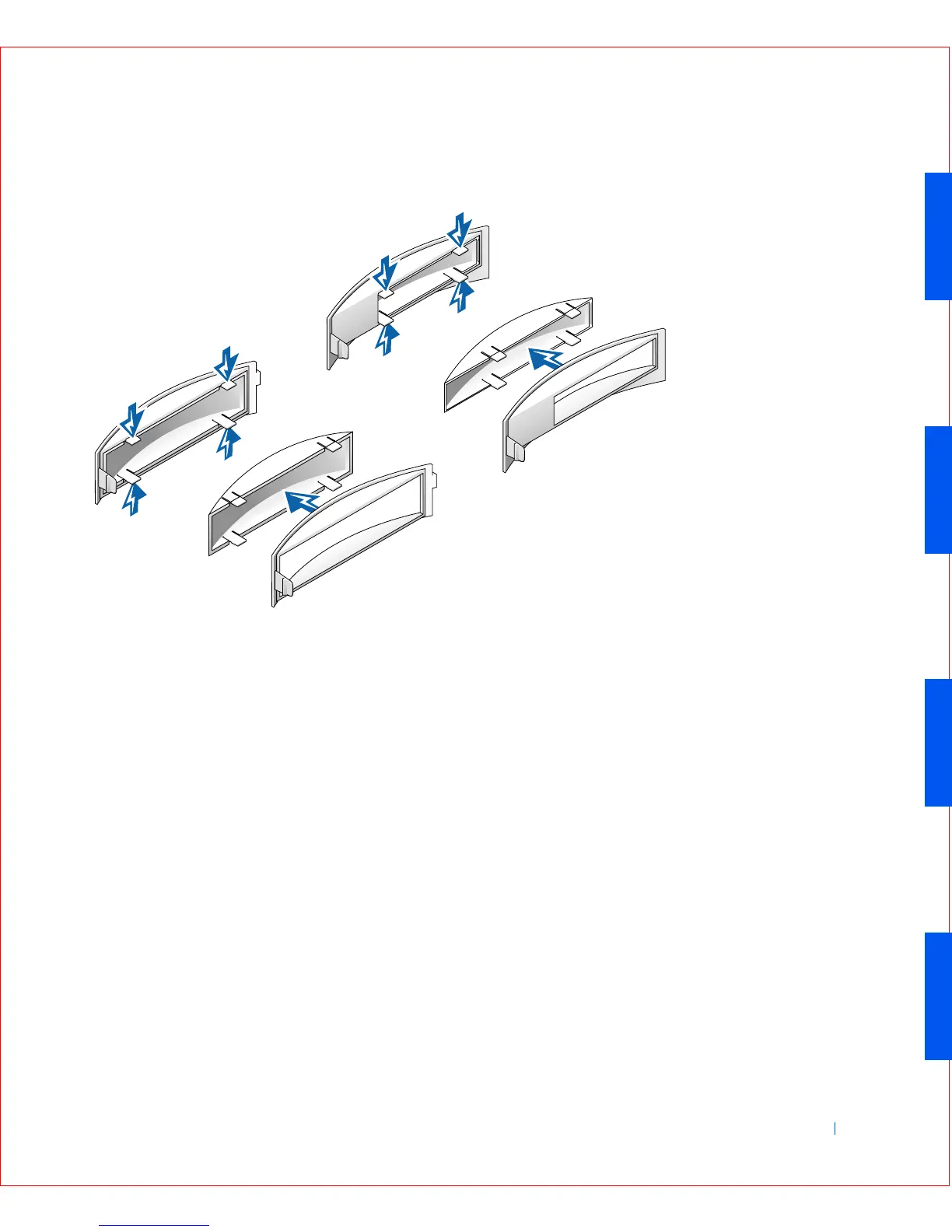
Front Panel Insert Removal—Small Mini-Tower Computer
Replacing Front Panel Inserts
To replace a front panel insert, follow the “Removing Front Panel Inserts”
procedures in reverse.
Internal Drives
This computer may support the following internal drives:
• Small form-factor: one enhanced integrated drive electronics (IDE)
hard drive; one floppy or optional Zip drive; and one optional CD
drive.
• Small desktop: one enhanced IDE hard drive; one floppy or optional
Zip drive; and one optional CD drive.
• Small mini-tower: two enhanced IDE hard drives; two floppy or
optional Zip drives; and two optional CD drives.









 To Next Page