Installing Upgrades 93
With the two IDE interface connectors on the system board, your computer
supports up to two IDE devices. IDE hard drives should be connected to
the IDE interface connector labeled “IDE1.” (Always connect CD drives to
the IDE interface connector labeled “IDE2.”)
Connecting Drives
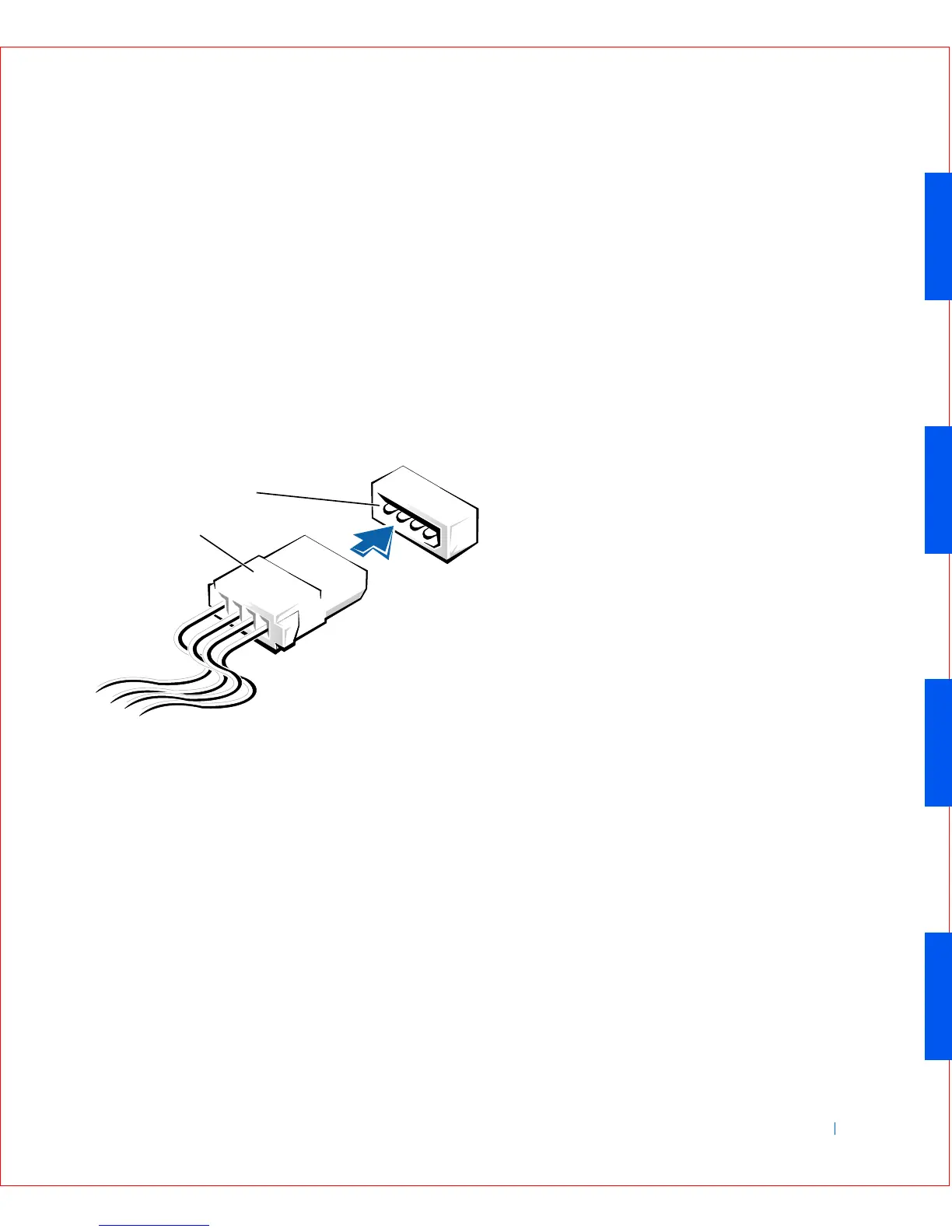
When you install a drive, you connect two cables—a DC power cable and
an interface cable—to the back of the drive. Your drive’s power input
connector (to which you connect the DC power cable) resembles the
following connector.
Power Cable Connector
The drive’s interface connector is a card-edge connector or a header
connector, as shown in the following figure.
1 Power cable
2 Power input connector
2
1









 To Next Page