Installing Upgrades 81
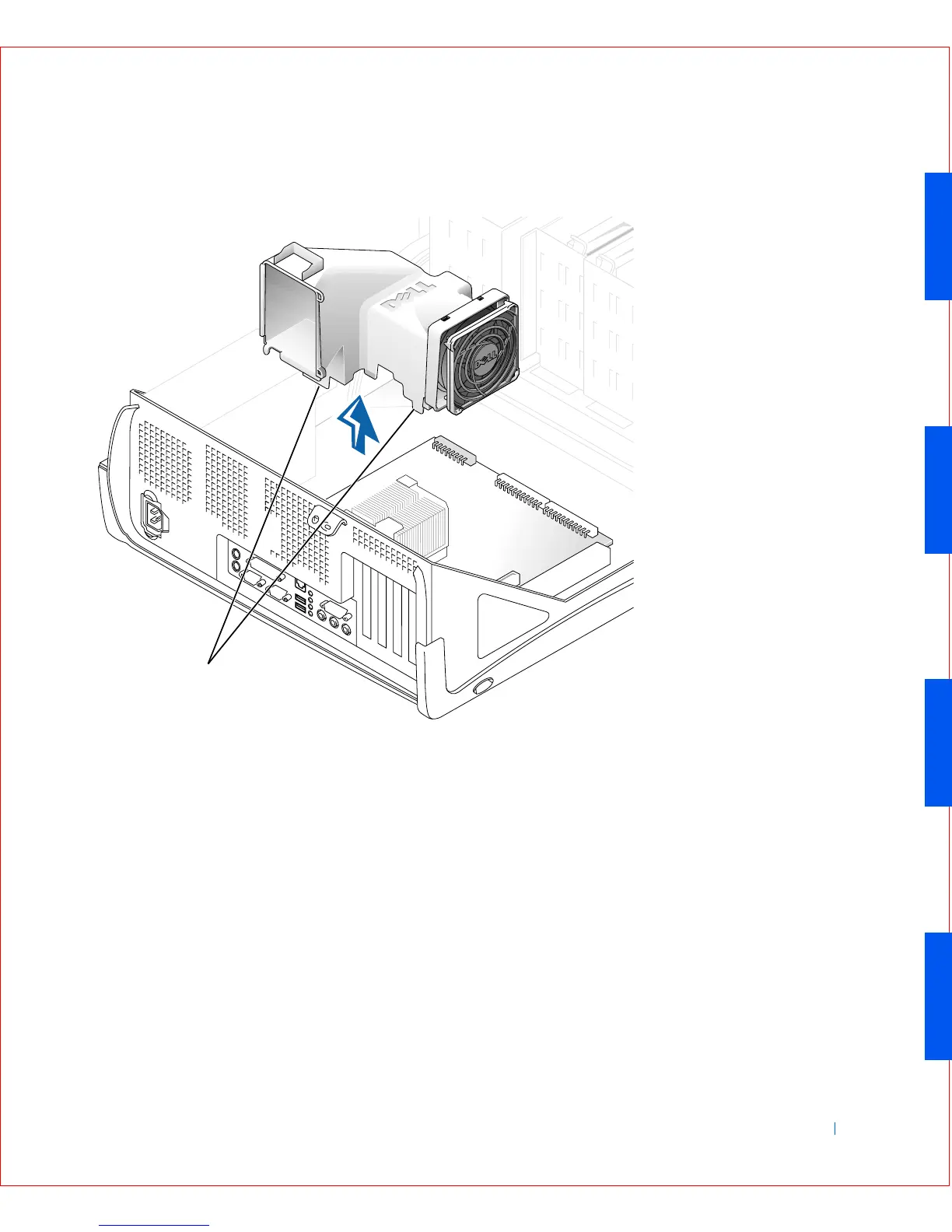
Airflow Shroud Removal—Small Mini-Tower Computer
4
Remove the cooling fan/heat sink assembly.
a Remove the memory module closest to the heat sink assembly.
b Pull down on the toggle clip lever until you can unhook the ends of
the clip from the tabs on each side of the ZIF socket.
c Remove the clip from the socket, and then lift the heat sink from
the microprocessor.
1 Anchor tabs
1









 To Next Page