82 Installing Upgrades
www.dell.com | support.dell.com
Microprocessor Heat Sink Removal
5
Remove the microprocessor chip from the socket.
NOTICE: Be careful not to bend any of the pins when you remove the
microprocessor chip from its socket. Bending the pins can permanently
damage the microprocessor chip.
Your microprocessor socket is a zero insertion force (ZIF) socket with a
lever-type handle that secures the chip in, or releases it from, the
socket.
To remove the chip, pull the microprocessor-socket release lever
straight up until the chip is released, and then remove the chip from
the socket.
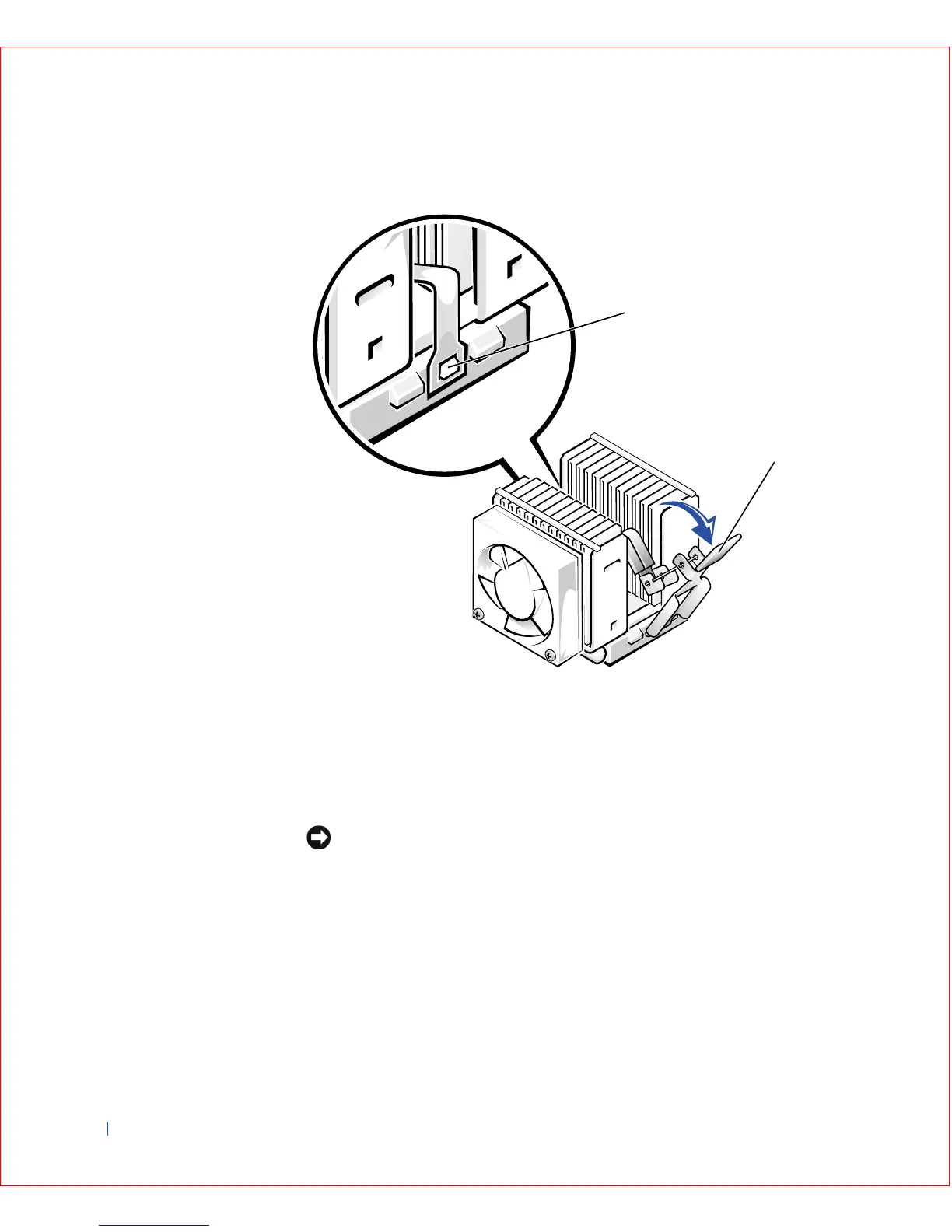
1 ZIF socket tab
2 Toggle lever
2
1









 To Next Page