About Your Computer 37
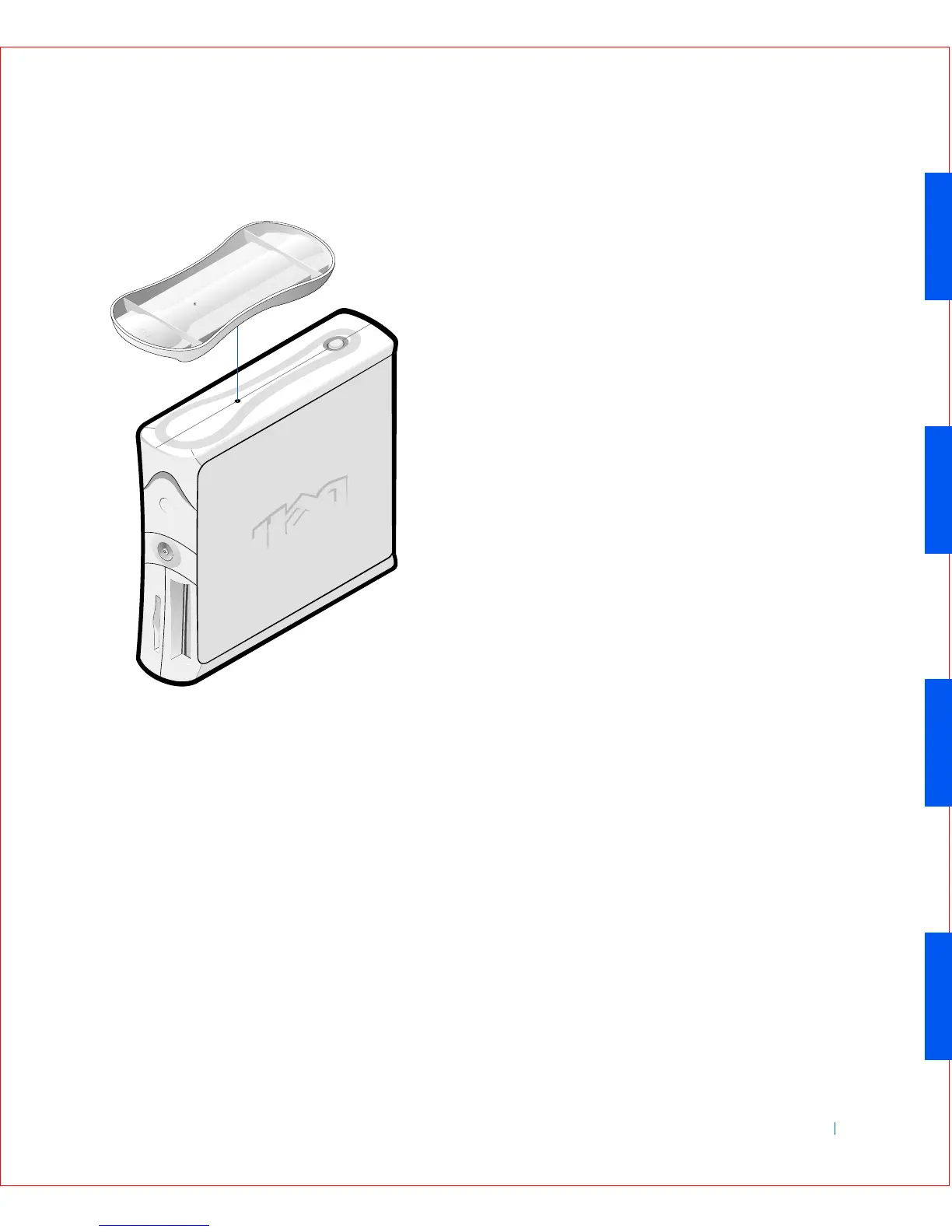
Small Desktop Computer Stand
2
To attach the computer stand, perform the following steps:
a Place the computer on its right side so that the drive bays are at
the bottom.
b Fit the stand onto what was the left side of the computer.
c Position the stand as shown in the figure by aligning the large
round hole in the stand with the securing button on the side of the
cover and aligning the captive screw in the stand with the screw
hole in the cover.
d When the stand is in place, tighten the thumbscrew.
e Rotate the computer so that the stand is at the bottom and the
drives are at the top.









 To Next Page