Installing Upgrades 69
Small Mini-Tower Computer
6
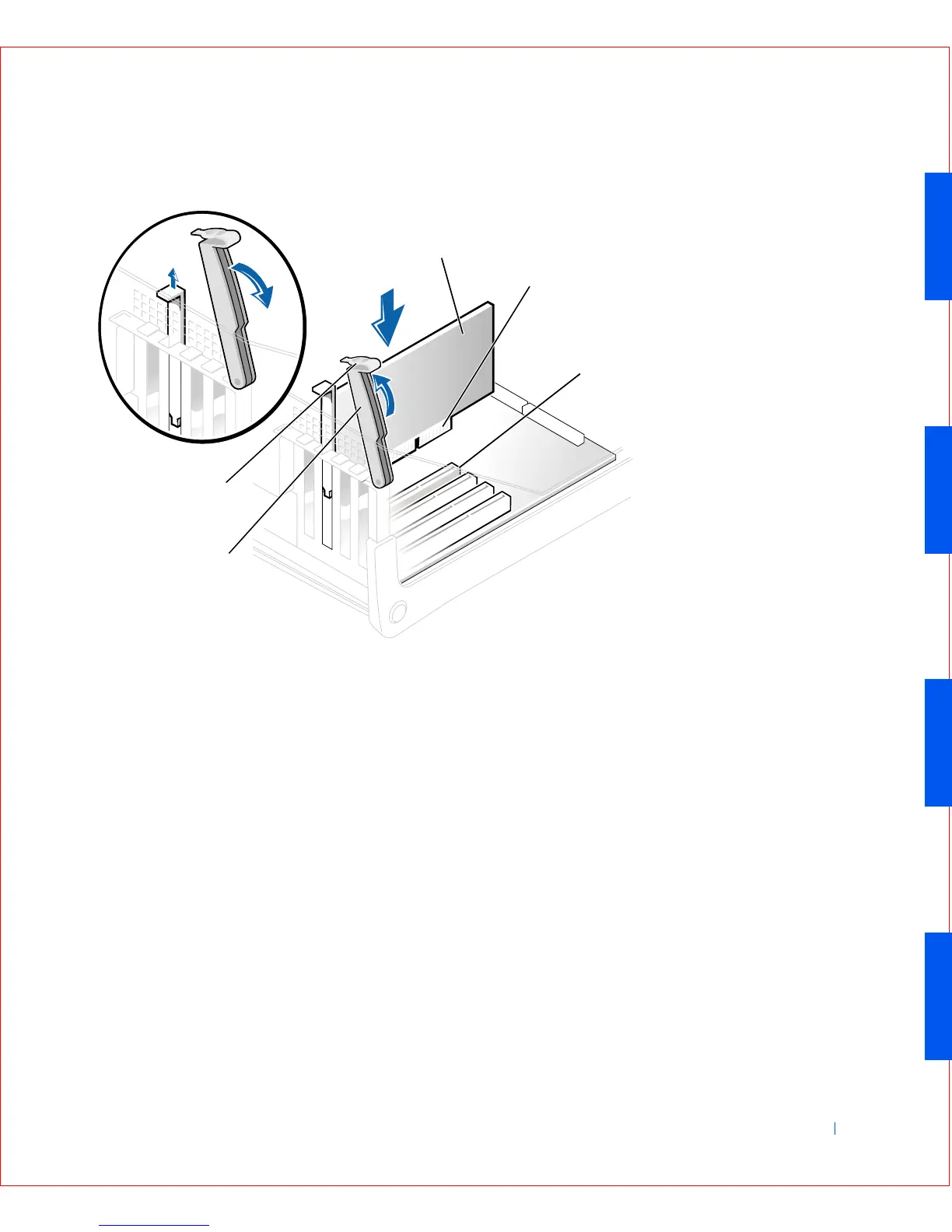
If you are installing a new expansion card, remove the filler bracket for
an empty card-slot opening. Then continue with step 8.
7 If you are replacing an expansion card that is already installed in the
computer, remove the expansion card.
If necessary, disconnect any cables connected to the card. Grasp the
card by its top corners, and ease it out of its connector.
8 Prepare the expansion card for installation.
1 expansion card
2 card-edge connector
3 expansion-card connector
4 retention arm
5 lever
1
2
3
4
5









 To Next Page