Installing Upgrades 71
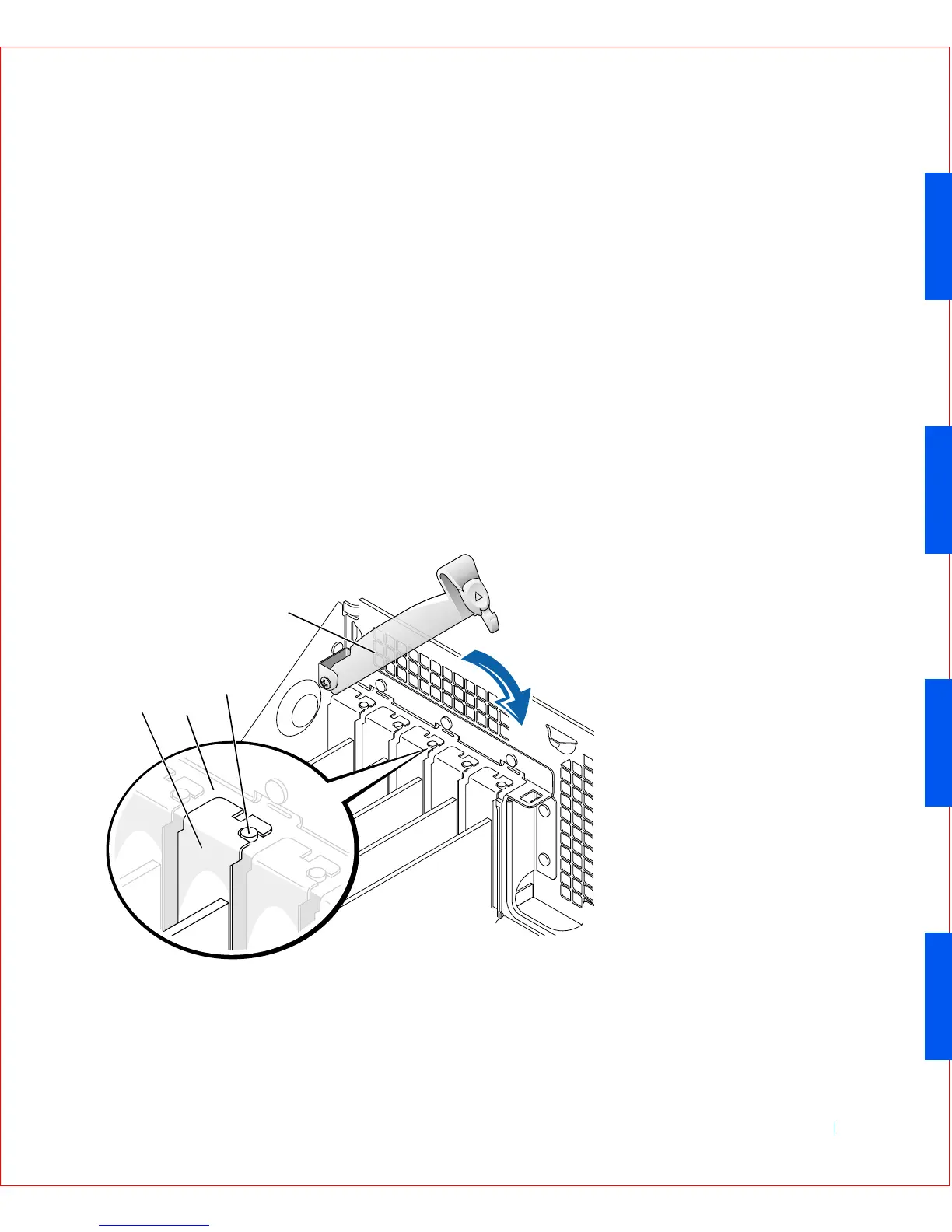
10 Before lowering the retention arm, make sure of the following:
• Tops of all expansion cards and filler brackets are flush with the
alignment bar
• Notch in the top of the card or filler bracket fits around the
alignment guide
Press the arm into place, securing the expansion card(s) in the
computer.
Retention Arm Closure
1 Bracket within slot
2 Bracket caught outside of slot
3 Fully seated card
4 Not fully seated card
1
2
3
4









 To Next Page