78 Installing Upgrades
www.dell.com | support.dell.com
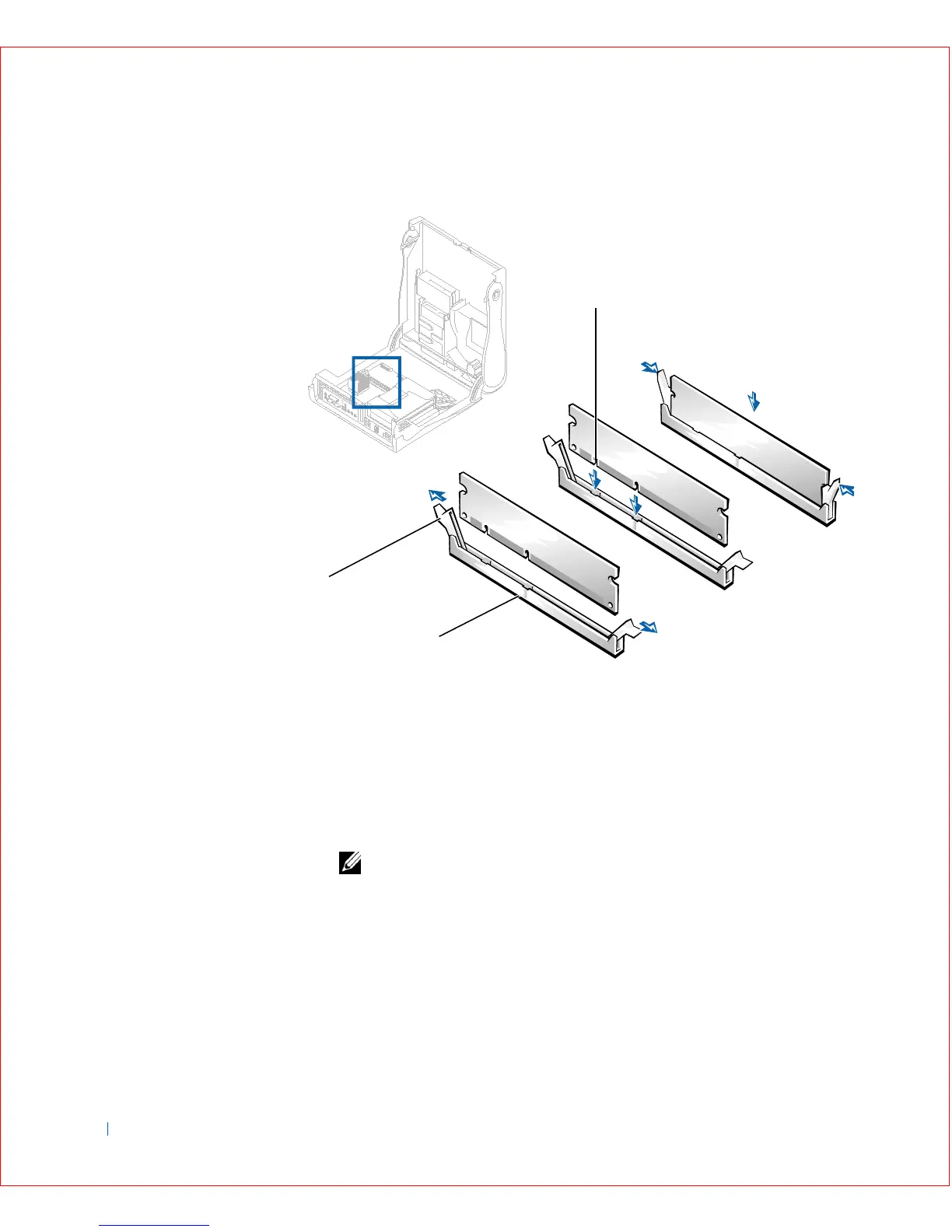
DIMM Installation
4
Close the computer cover, reconnect your computer and devices to
their electrical outlets, and turn them on.
NOTE: After you open and close the cover, the chassis intrusion detector
causes the following message to appear on the screen at the next computer
start-up:
ALERT! Cover was previously removed.
You will need to reset the chassis intrusion detector.
The computer detects that the new memory does not match the
existing configuration information and generates the following
message:
1 Socket
2 Securing clip
3 Slot
2
3
1









 To Next Page