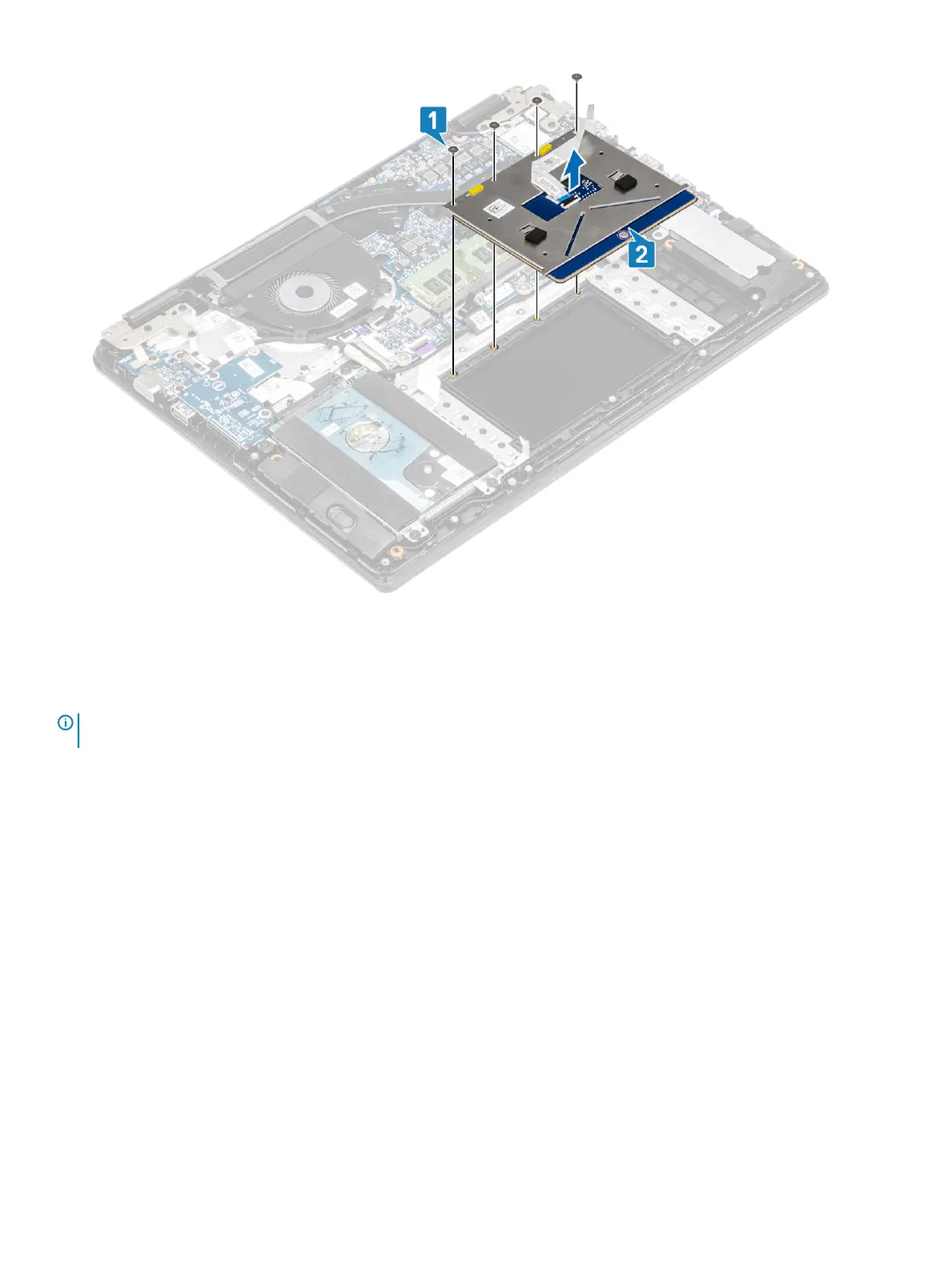
Installing the touch pad assembly
About this task
NOTE
: Ensure that the touch pad is aligned with the guides available on the palm-rest and keyboard assembly, and the gap on
either sides of the touch pad is equal.
Steps
1 Place the touch pad into the slot on the palmrest and keyboard assembly [1].
2 Replace the four (M2x2) screws that secure the touch pad to the palmrest and keyboard assembly [2].
34
Removing and installing components



 To Next Page