10 │ About your monitor
WARNING: The possible long-term effects of blue light emission from
the monitor may cause damage to the eyes, including eye fatigue,
digital eye strain, and so on. ComfortView Plus feature is designed to
reduce the amount of blue light emitted from the monitor to optimize
eye comfort.
Identifying parts and controls
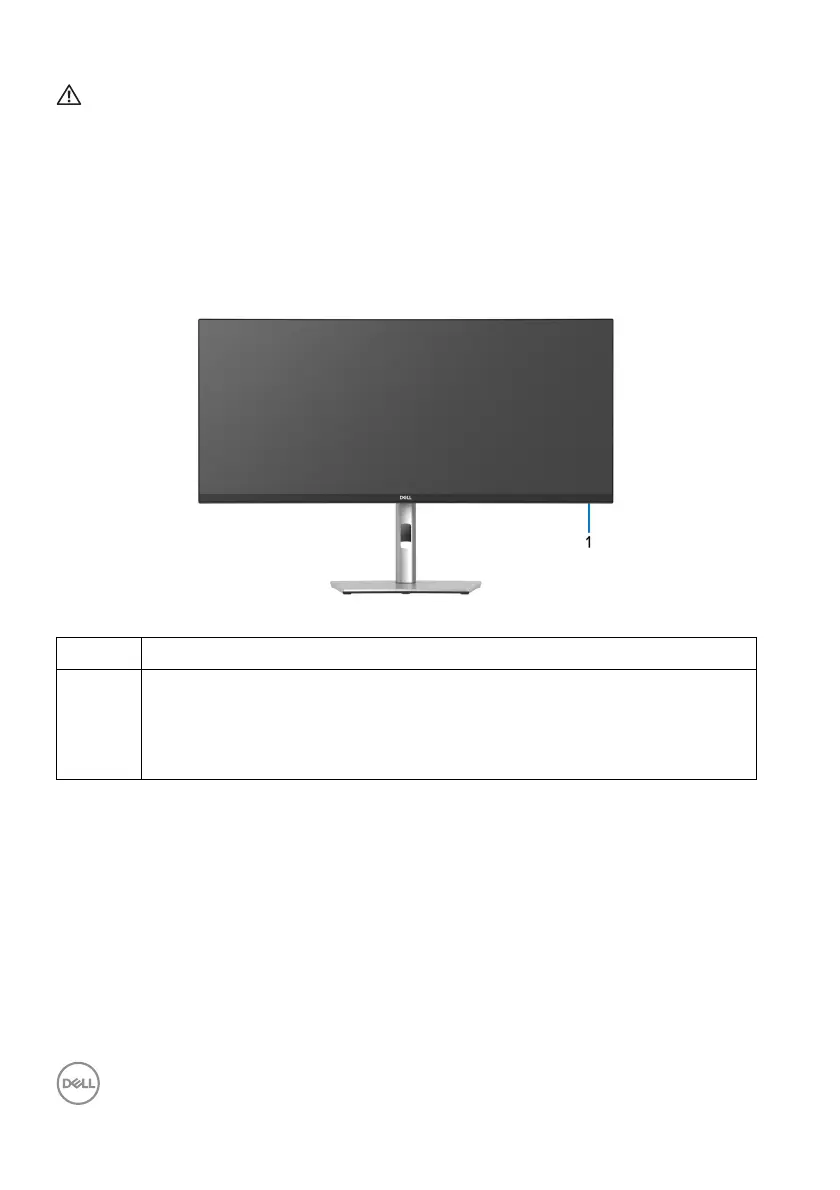
Front view
Label Description
1 Power LED indicator
Solid white light indicates that the monitor is turned on and functioning
norma
lly. Blinking white light indicates that the monitor is in Standby
Mode.



 To Next Page