Tro ub l eshoo tin g │ 83
Using the joystick to lock/unlock buttons
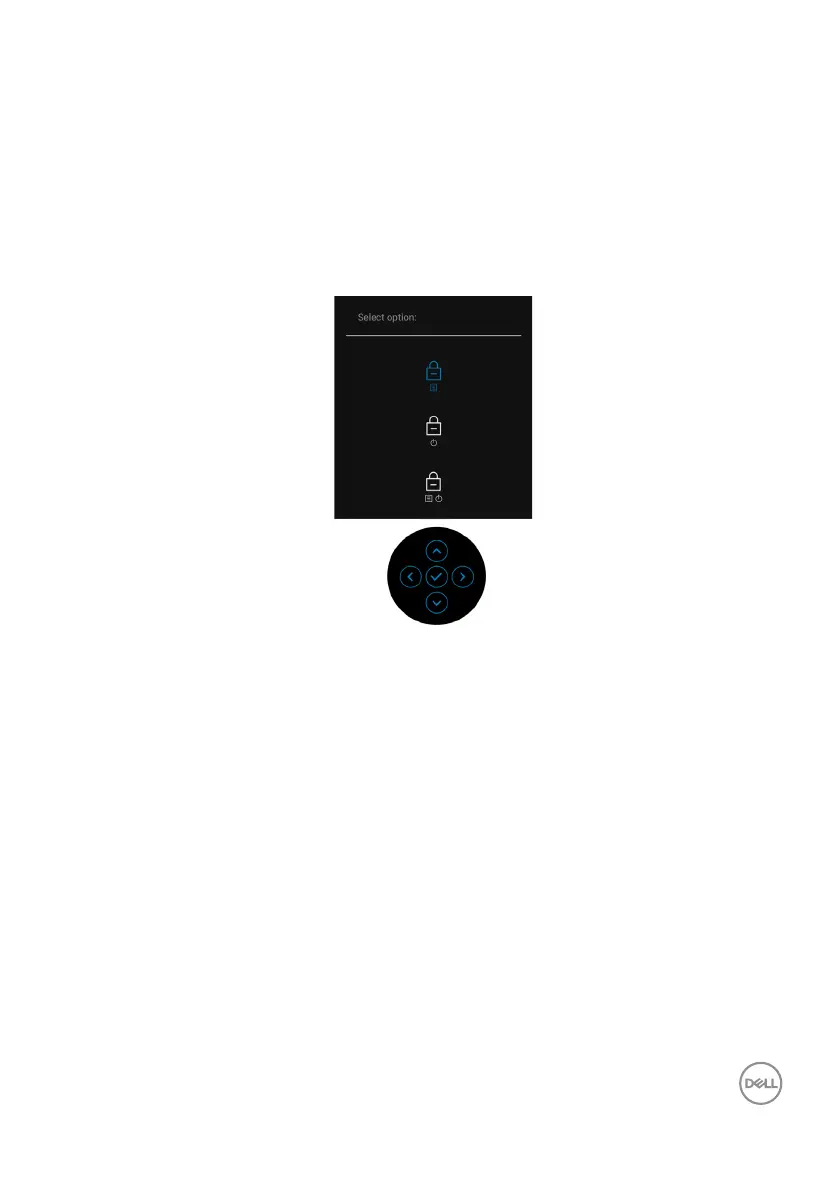
Locking the power and joystick buttons
You can lock the joystick and power buttons
to prevent access to the OSD menu
and/or power off the monitor.
To lock the buttons:
1. T
oggle and hold the joystick to the up or down or left or right for about 4
seconds until a pop menu appears
2. Select one of the following options:
• Menu B
uttons: All joystick functions are locked and not accessible by the
user.
• Power Buttons: Only the Power Button is locked and not accessible by
the user.
• Menu + Power Buttons: Both the joystick & the Power Button are locked
and not accessible by the user.



 To Next Page