Setting up the monitor │ 51
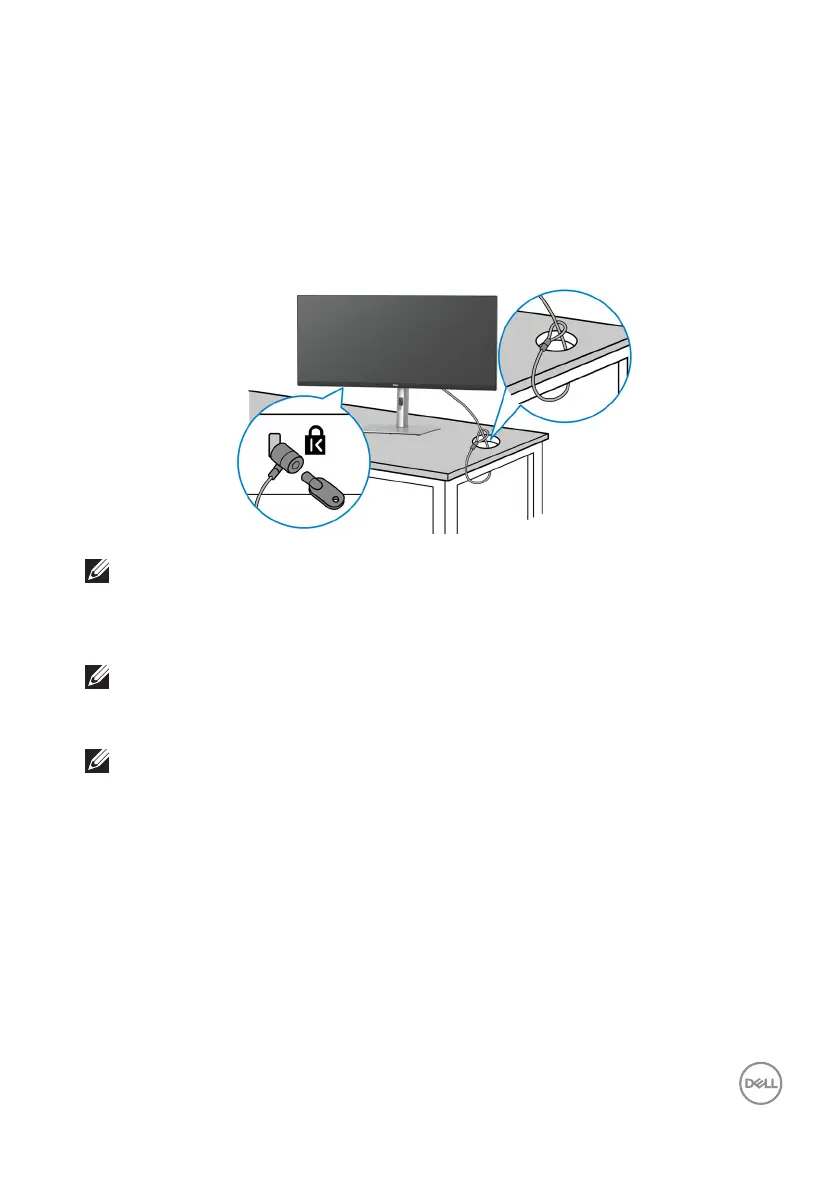
Securing your monitor using Kensington lock (optional)
The security-lock slot is located at the bottom of the monitor (see Security lock
slot (based on Kensington Security Slot)). Secure your monitor to a table using
the Kensington security lock.
For more information on using the Kensington lock
(sold separately), see the
documentation that is shipped with the lock.
NOTE: The image is for the purpose of illustration only. The appearance
of the lock may vary.
Removing the monitor stand
NOTE: To prevent scratches on the LCD screen when removing the
stand, ensure that the monitor is placed on a soft surface and handle it
carefully.
NOTE: The following steps are specifically for removing the stand that
is shipped with your monitor. If you are removing a stand that you
purchased from any other source, follow the setup instructions that are
included with the stand.
To remove the stand:
1. Pl
ace the monitor on a soft cloth or cushion.
2. Pr
ess and hold the stand release button at the back of the display.



 To Next Page