48 │ Setting up the monitor
NOTE: You can enable or disable the power button sync function via
OSD. See
Dell Power Button Sync.
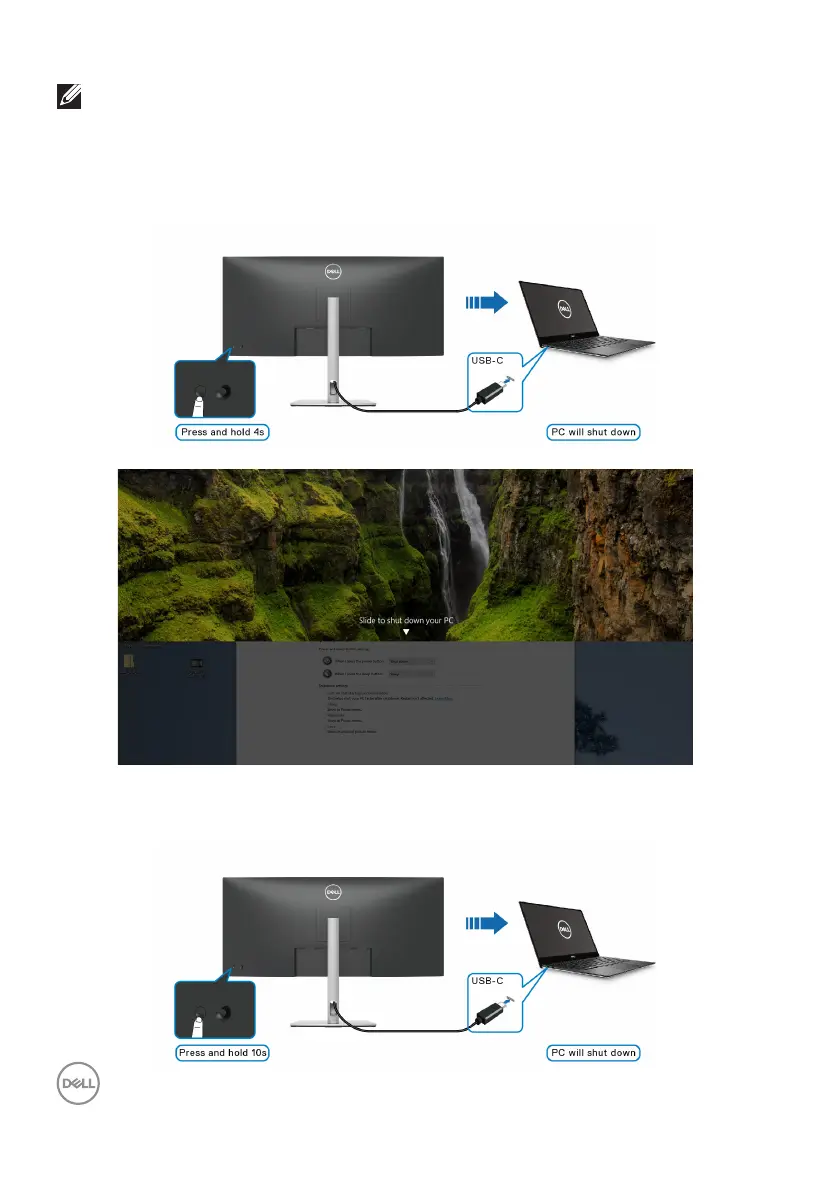
• When the monitor and the PC power state are both ON, pr
ess and hold the
monitor power button for 4 seconds, the screen prompt will ask if you
would like to shut down the PC.
• When it is necessary to force shut down the system, press and hold the
monitor power button for 10 seconds.



 To Next Page