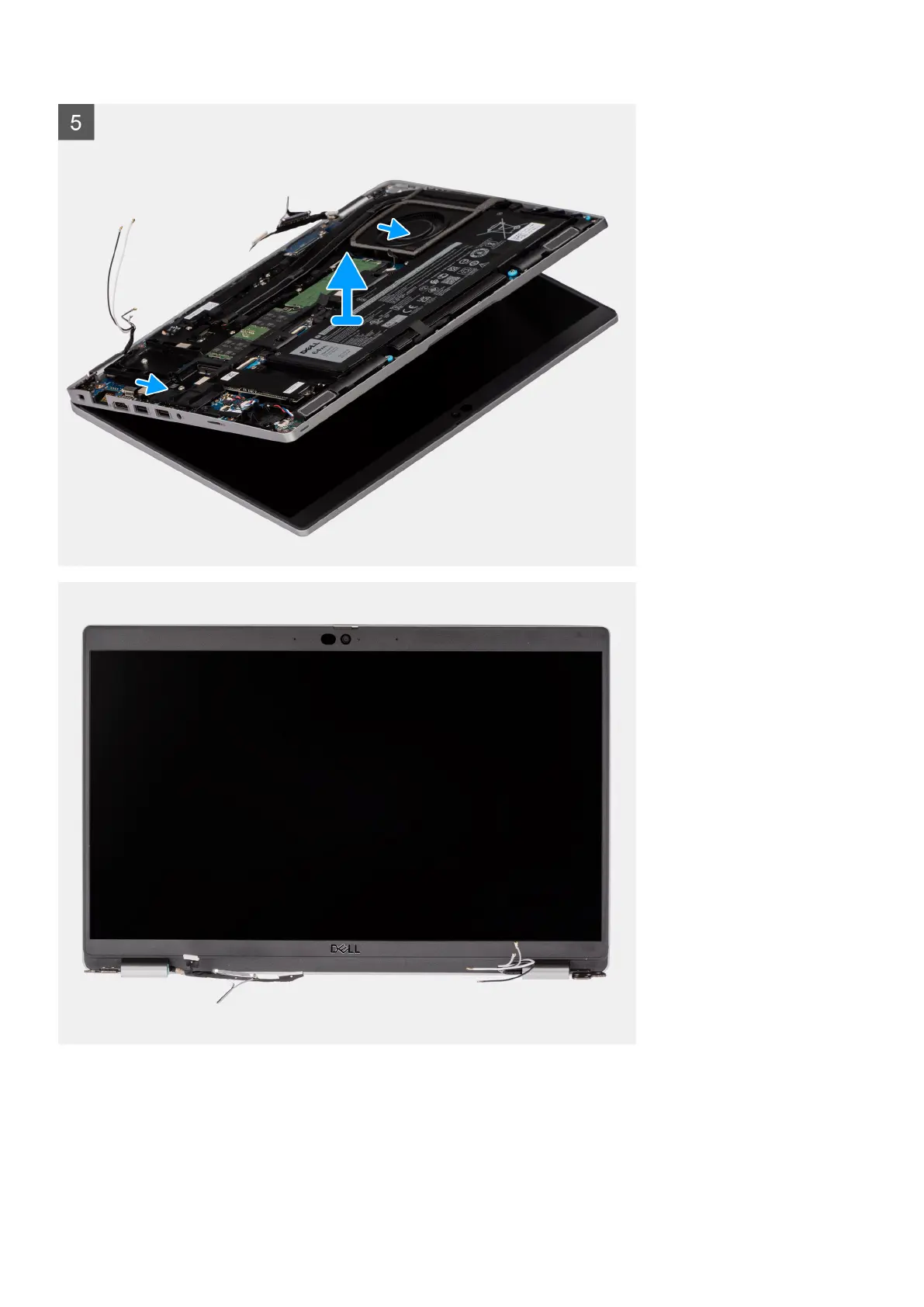
Steps
1. Remove the two (M2x3) screws that secure the eDP cable bracket to the system board.
2. Lift the eDP cable bracket away from the system.
3. Peel the tape that secures the display cable to the system board.
4. Using the pull tab, disconnect the display cable from the connector on the system board.
Removing and installing components
63










 To Next Page