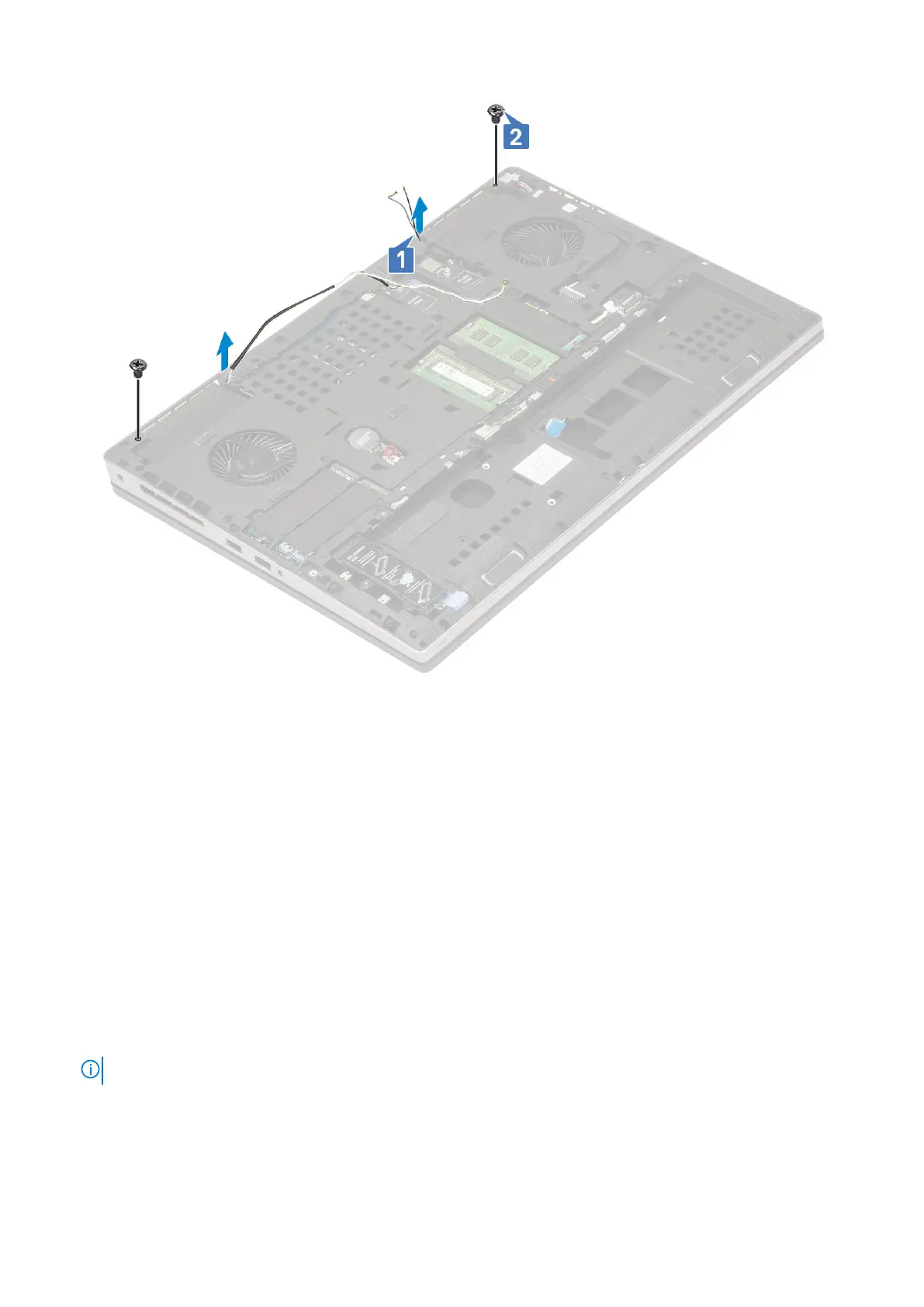
2. Install the:
a. palmrest
b. WWAN card
c. WLAN card
d. base cover
e. hard drive
f. keyboard
g. battery
h. battery cover
i. SD card
3. Follow the procedure in After working inside your computer.
Display bezel
Removing the display bezel
1. Follow the procedure in Before working inside your computer.
NOTE: If a touch LCD is installed, then the following procedure is not applicable as it is for a full hinge assembly.
2. Remove the:
a. SD card
b. battery cover
c. battery
88
Removing and installing components















 To Next Page