92xxx | Video Viewerxxx
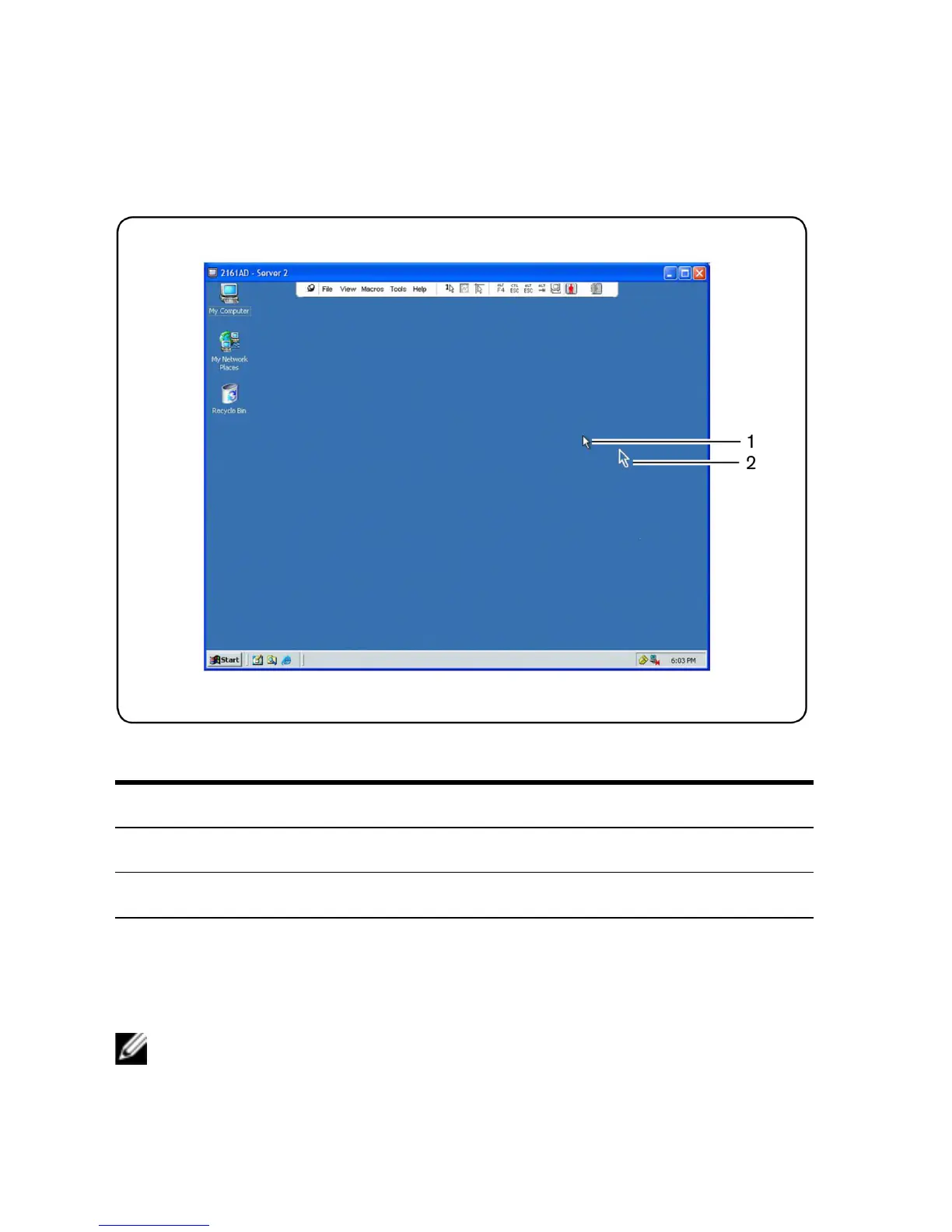
Figure 5.3: Video Viewer Window With Local and Remote Cursors
Number Description
1 Remote Cursor
2 Local Cursor
Table 5.3: Descriptions for Figure 5.3
The Cursor mode status of the Video Viewer window displays in the title bar,
including the keystroke that will exit Single Cursor mode. You can define the
keystroke that will exit Single Cursor mode in the Session Options dialog box.
NOTE: When using a device that captures keystrokes before they reach the client
device, you should avoid using those keys to restore the mouse pointer.



 To Next Page