18xxx | Installationxxx
Two-post Center-mount Configuration
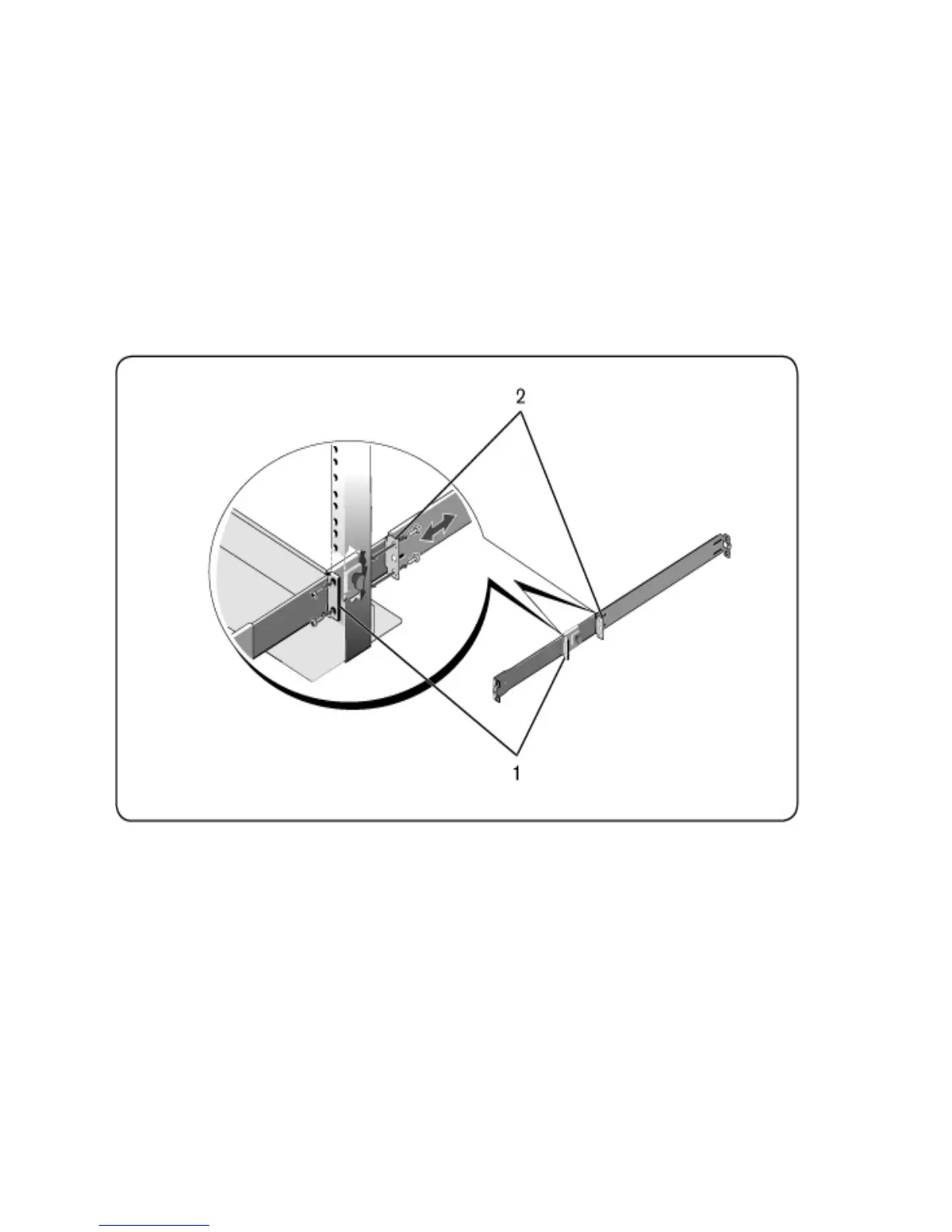
1 Slide the plunger bracket rearward until it clicks into place and secure the
bracket to the front post flange with two user-supplied screws (Figure 2.3,
item 1).
Figure 2.3: Two-post Center-mount Configuration
2 Slide the back bracket towards the post and secure it to the post flange with
two user-supplied screws (item 2).
3 Repeat this procedure for the second rail.
Four-post Threaded Configuration
1 For this configuration, the flange ear castings must be removed from each
end of the ReadyRails assemblies. Use a Torx™ driver to remove the two



 To Next Page