9. Remove the hard drive assembly.
10. Remove the speakers.
11. Remove the coin-cell battery.
12. Remove the system fan.
13. Remove the heatsink.
NOTE: The system board can be removed along with the heat sink.
14. Remove the IO board.
15. Remove the touchpad.
16. Remove the power adapter port.
17. Remove the system board.
About this task
NOTE: The system board can be removed and installed together with the heatsink still attached.
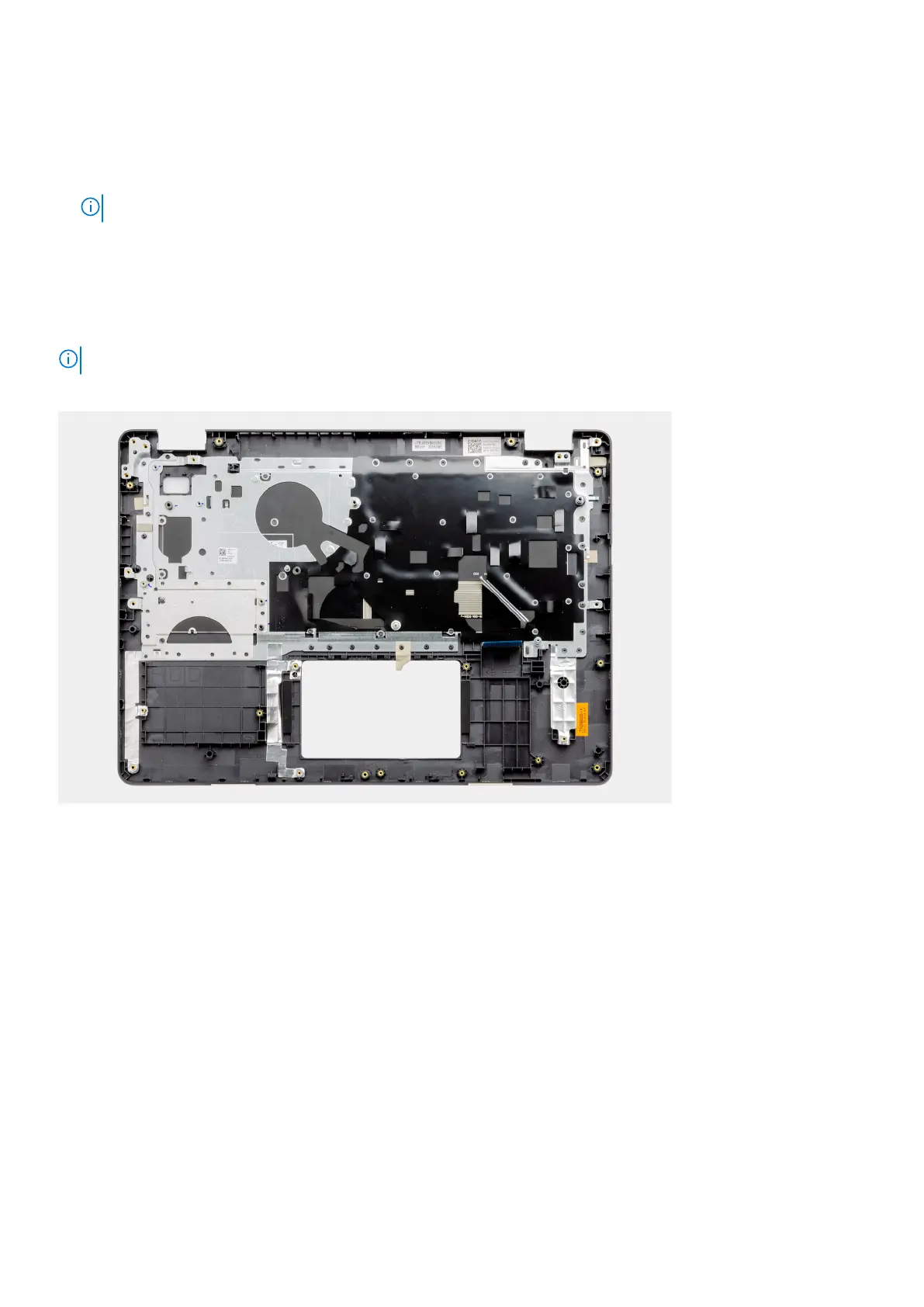
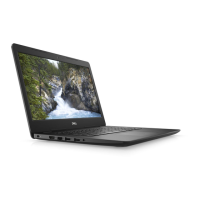
After performing the preceding steps, you are left with the palmrest and keyboard assembly.
Next steps
1. Install the system board.
2. Install the power adapter port.
3. Install the touchpad.
4. Install the IO board.
5. Install the heatsink.
6. Install the system fan.
7. Install the coin-cell battery.
8. Install the speakers.
9. Install the hard drive assembly.
10. Install the SSD.
11. Install the display assembly.
12. Install the memory
13. Install the WLAN.
14. Install the battery.
15. Install the base cover.
16. Install the SD card.
17. Follow the procedure in before working inside your computer.
Disassembly and reassembly
83


 To Next Page