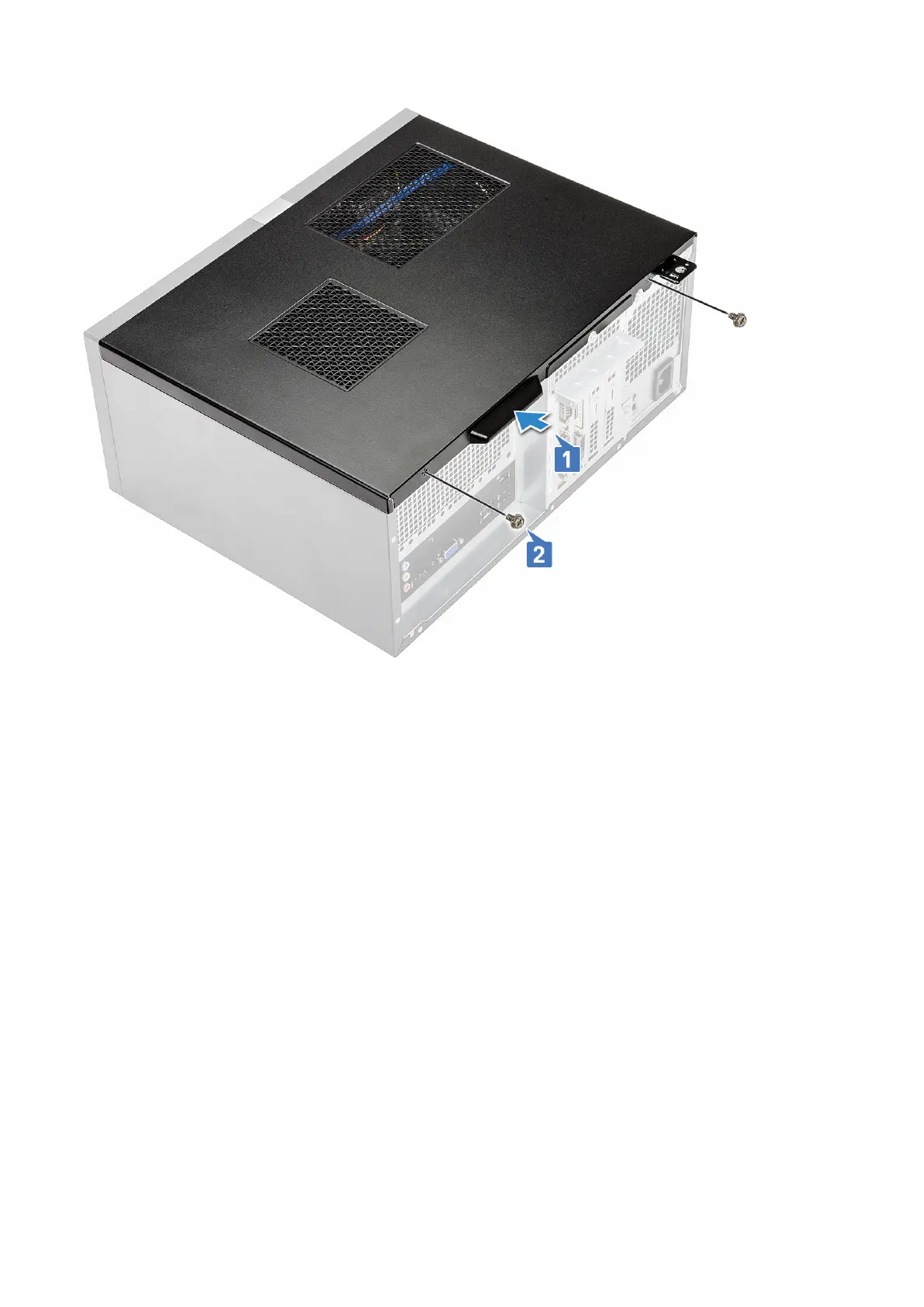
3. Follow the procedure in After working inside your computer.
Front Bezel
Removing the front bezel
1. Follow the procedure in Before working inside your computer.
2. Remove the Cover.
3. To remove the bezel:
a) Lift the three latches to release the bezel from the chassis [1].
b) Lift the chassis, rotate and pull the front bezel away from the computer to release the tabs [2].
Removing and installing components
15



 To Next Page