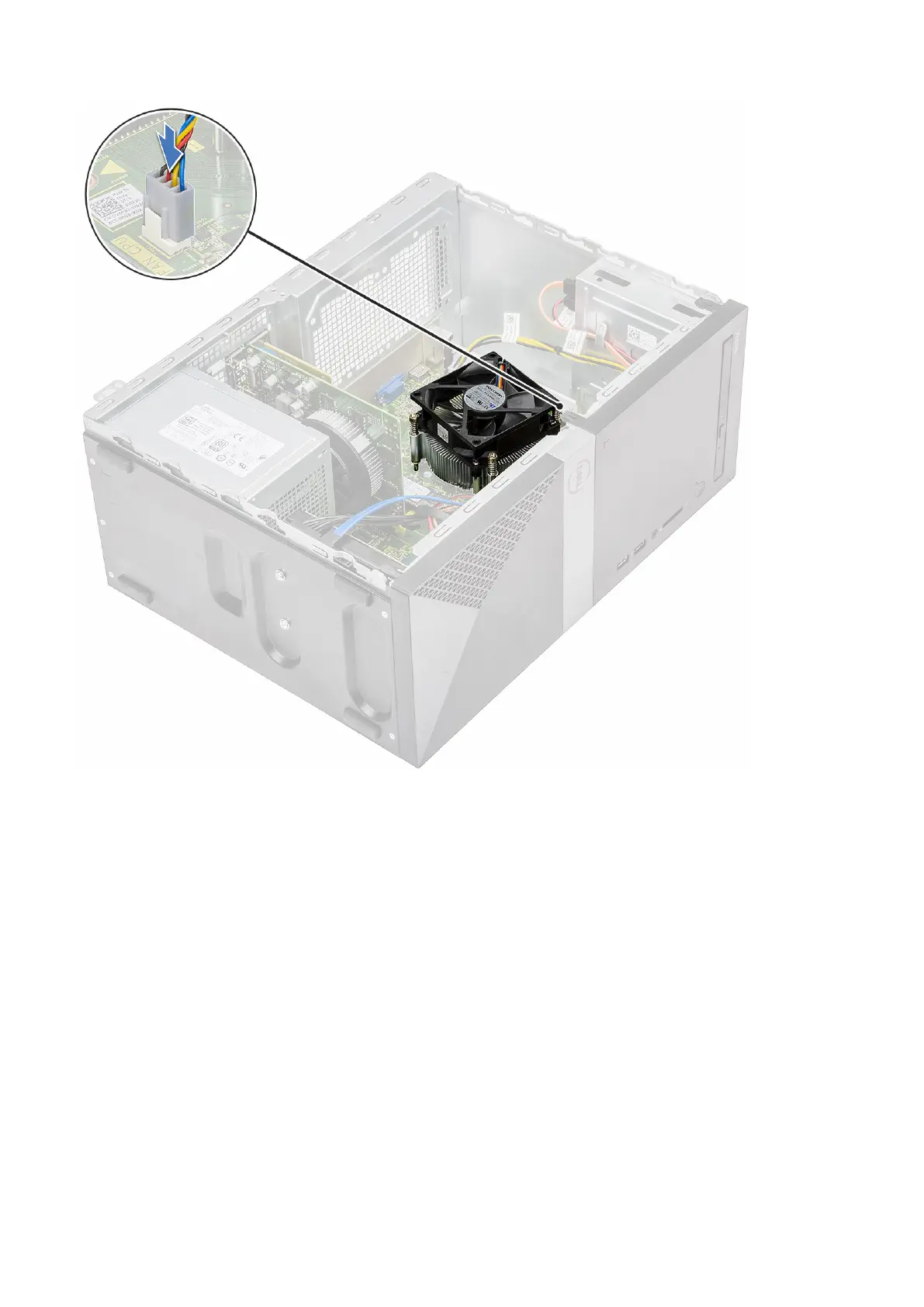
4. Install the:
a) Cooling shroud
b) Cover
5. Follow the procedure in After working inside your computer.
Coin-cell battery
Removing the coin cell battery
1. Follow the procedure in Before working inside your computer.
2. Remove the Cover.
3. To remove the coin cell battery:
a) Press the side of the battery, that allows the battery to pop-up from the socket [1].
b) Lift the coin-cell battery out of the computer [2].
64
Removing and installing components



 To Next Page