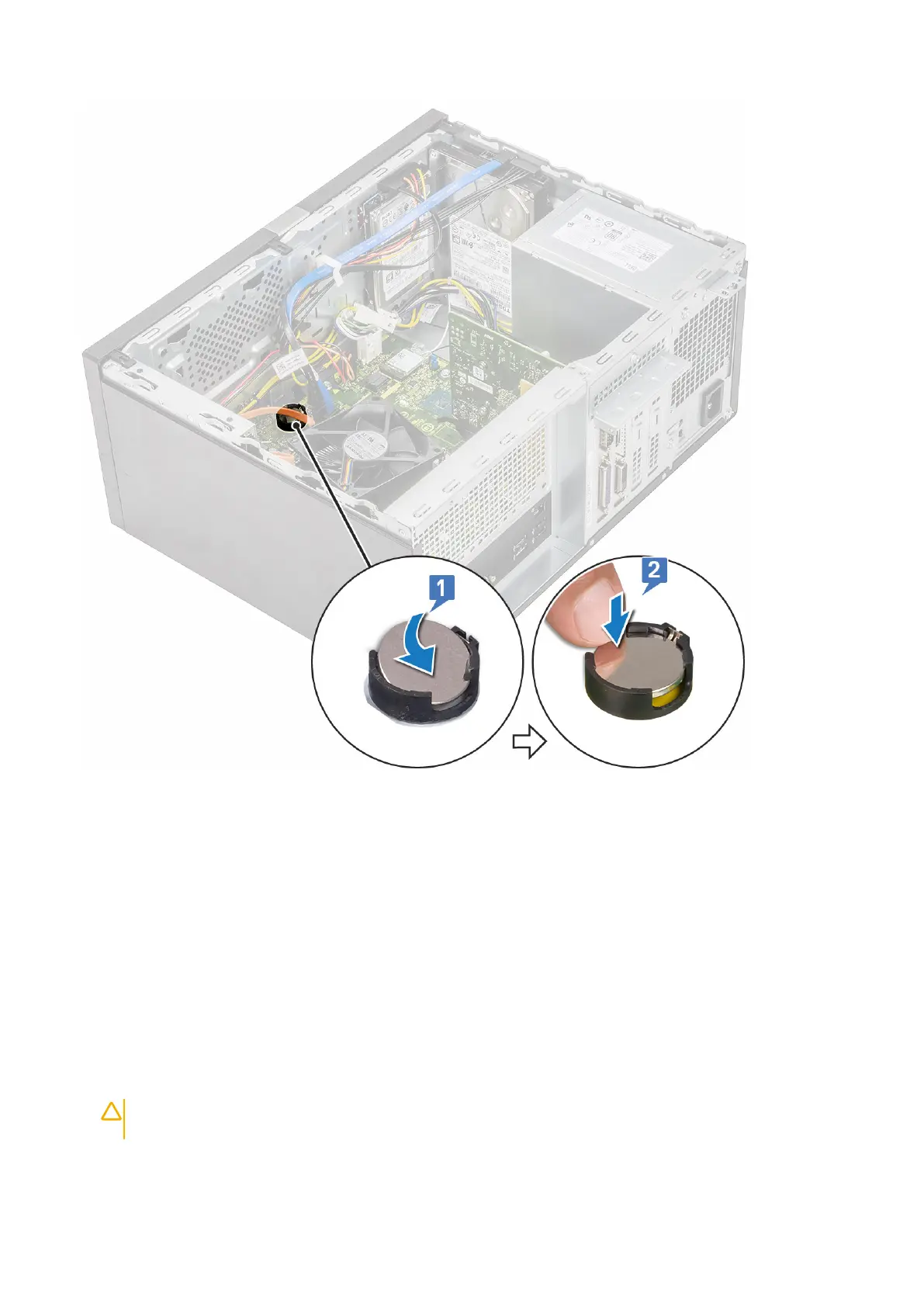
3. Install the Cover.
4. Follow the procedure in After working inside your computer.
Processor
Removing the processor
1. Follow the procedure in Before working inside your computer.
2. Remove the:
a) Cover
b) Cooling shroud
c) Heat sink assembly
3. To remove the processor:
a) Press the release lever down and then move it outward to release it from the retention hook [1].
CAUTION:
The processor socket pins are fragile and can be permanently damaged. Be careful not to bend the
pins in the processor socket when removing the processor out of the socket.
b) Lift the processor cover and remove the processor from the socket [2, 3].
66
Removing and installing components



 To Next Page