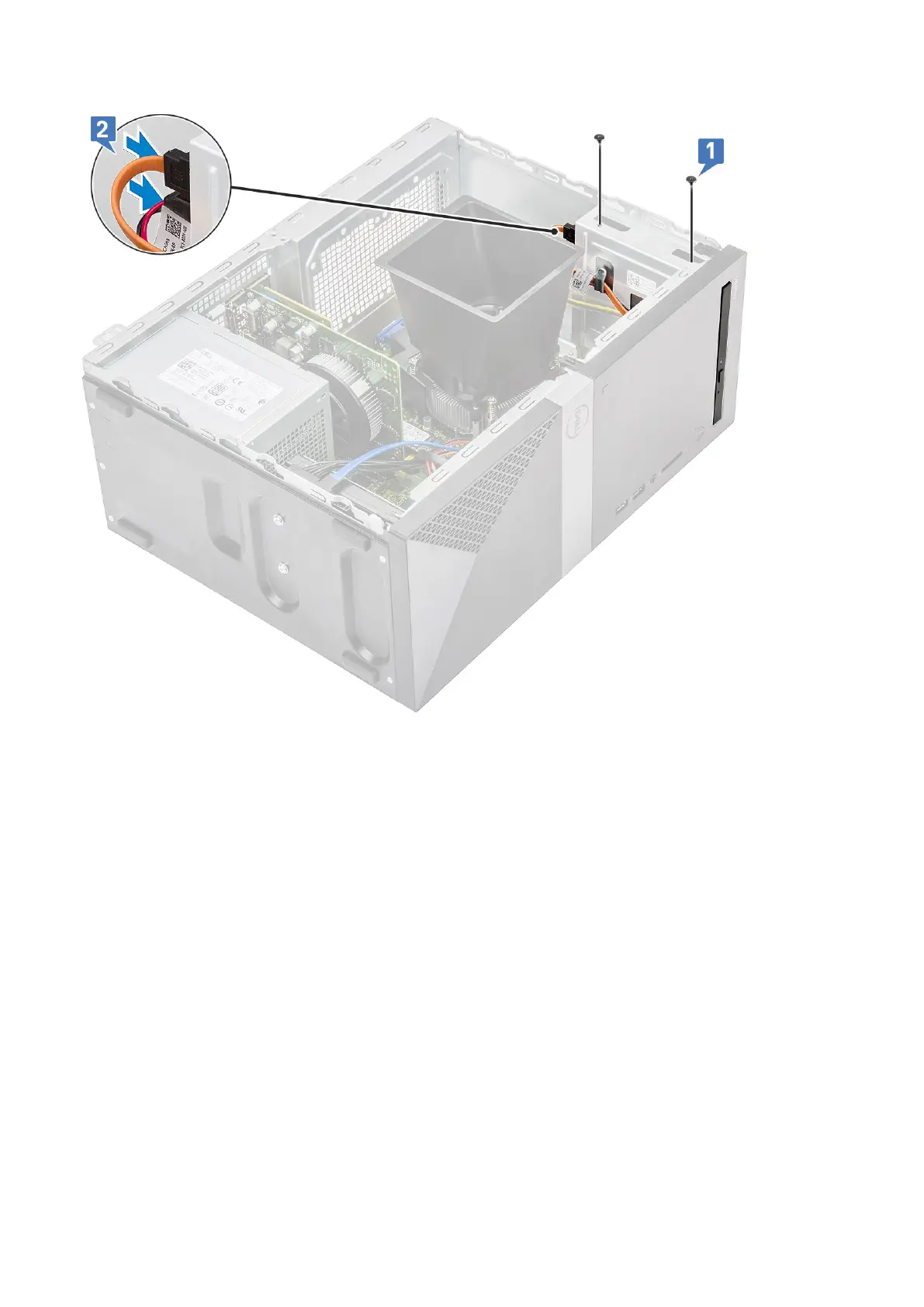
5. Install the:
a) Cover
6. Follow the procedure in After working inside your computer.
WLAN card
Removing WLAN card
1. Follow the procedure in Before working inside your computer.
2. Remove the:
a) Cover
3. To remove the WLAN card:
a) Loosen one (M2x3.5) screw to release the plastic tab that secures the WLAN card to the computer [1].
b) Remove the plastic tab to access the WLAN cables [2].
c) Disconnect the WLAN cables from the connectors on the WLAN card [3].
d) Lift the WLAN card from the connector on the system board [4].
Removing and installing components
37



 To Next Page