Chapter 12 Description of Parameter SettingsCFP2000
12.1-00-1
Chapter 12 Description of Parameter Settings
12-1 Description of parameter settings
00 Drive Parameters
This parameter can be set during operation.
Identity Code of the AC Motor Drive
Default: Read only
Settings Read only
Display AC Motor Drive Rated Current
Default: Read only
Settings Read only
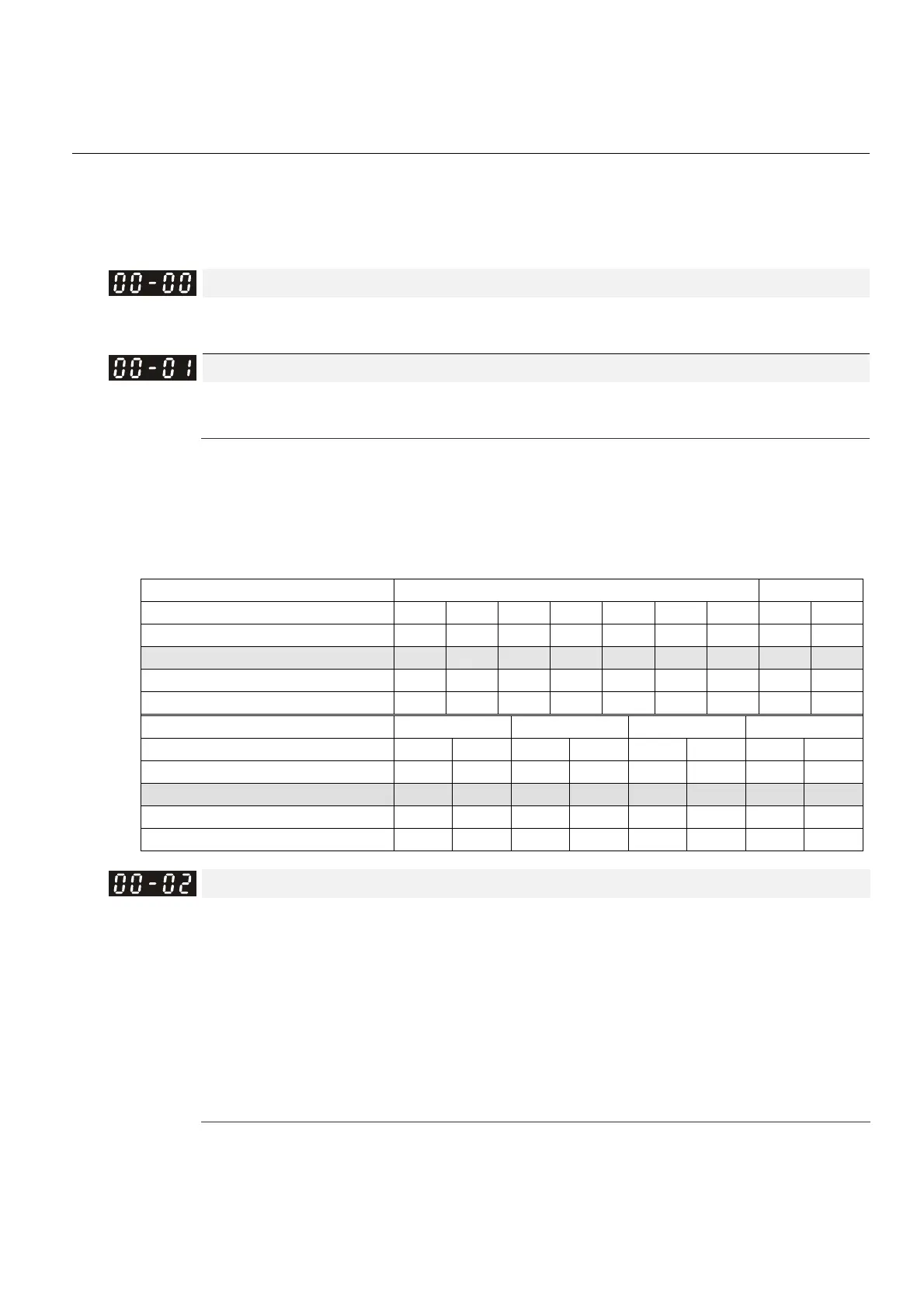
Pr.00-00 displays the identity code of the AC motor drive. Using the following specification table to
check if Pr.00-01 setting is the rated current of the AC motor drive. Pr.00-01 corresponds to the
identity code of the AC motor drive (Pr.00-00).
The default is the rated current for light load. Set Pr.00-16 to 1 to display the rated current for
normal load.
Frame A B
kW 0.75 1.5 2.2 3.7 4.0 5.5 7. 5 11 15
HP 1 2 3 5 5.5 7.5 10 15 20
Identity code 5 7 9 11 93 13 15 17 19
Rated current for light load [A] 3 4.2 5.5 8.5 10.5 13 18 24 32
Rated current for normal load [A] 1.7 3.0 4.0 6.0 9.0 10.5 12 18 24
Frame B C D0 D
kW 18.5 22 30 37 45 55 75 90
HP 25 30 40 50 60 75 100 125
Identity code 21 23 25 27 29 31 33 35
Rated current for light load [A] 38 45 60 73 91 110 150 180
Rated current for normal load [A] 32 38 45 60 73 91 110 150
Parameter Reset
Default: 0
Settings 0: No Function
1: Write protection for parameters
5: Reset kWh display to 0
6: Reset PLC (including CANopen Master Index)
7: Reset CANopen Index (Slave)
9: Reset all parameters to defaults with base frequency at 50 Hz
10: Reset all parameters to defaults with base frequency at 60 Hz
When set to 1, all parameters are read only except Pr.00-02, Pr.00-07 and Pr.00-08. Set Pr.00-02
to 0 before changing other parameter settings.
When set to 5, kWh displayed value can be reset to 0 even when the drive is operating. Pr.05-26,
Pr.05-27, Pr.05-28, Pr.05-29 and Pr.05-30 are reset to 0.


 To Next Page
 Loading...




