EtherCAT Communication Card: CMM-EC02/ CMM-EC03
CMM-EC02/ CMM-EC03 Operation Manual
7. Operation Example
7.1 Delta PLC-AX-8 Operation Example (Designer-AX (Codesys base))
Equipment
AX-8 GLAN1 IP: 192.168.0.10
Computer Network card IP: 192.168.0.123
Motor drive: M300
Communication card: CMM-EC02/ CMM-EC03
Software DIADesigner-AX V1.1.0 and above
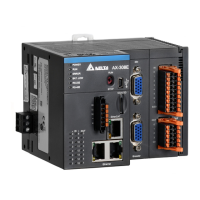
1. Connect CMM-EC02/ CMM-EC03 to AX-8 EtherCAT port. Then Connect the AX-8 to the Computer
via Ethernet port (GLAN1)
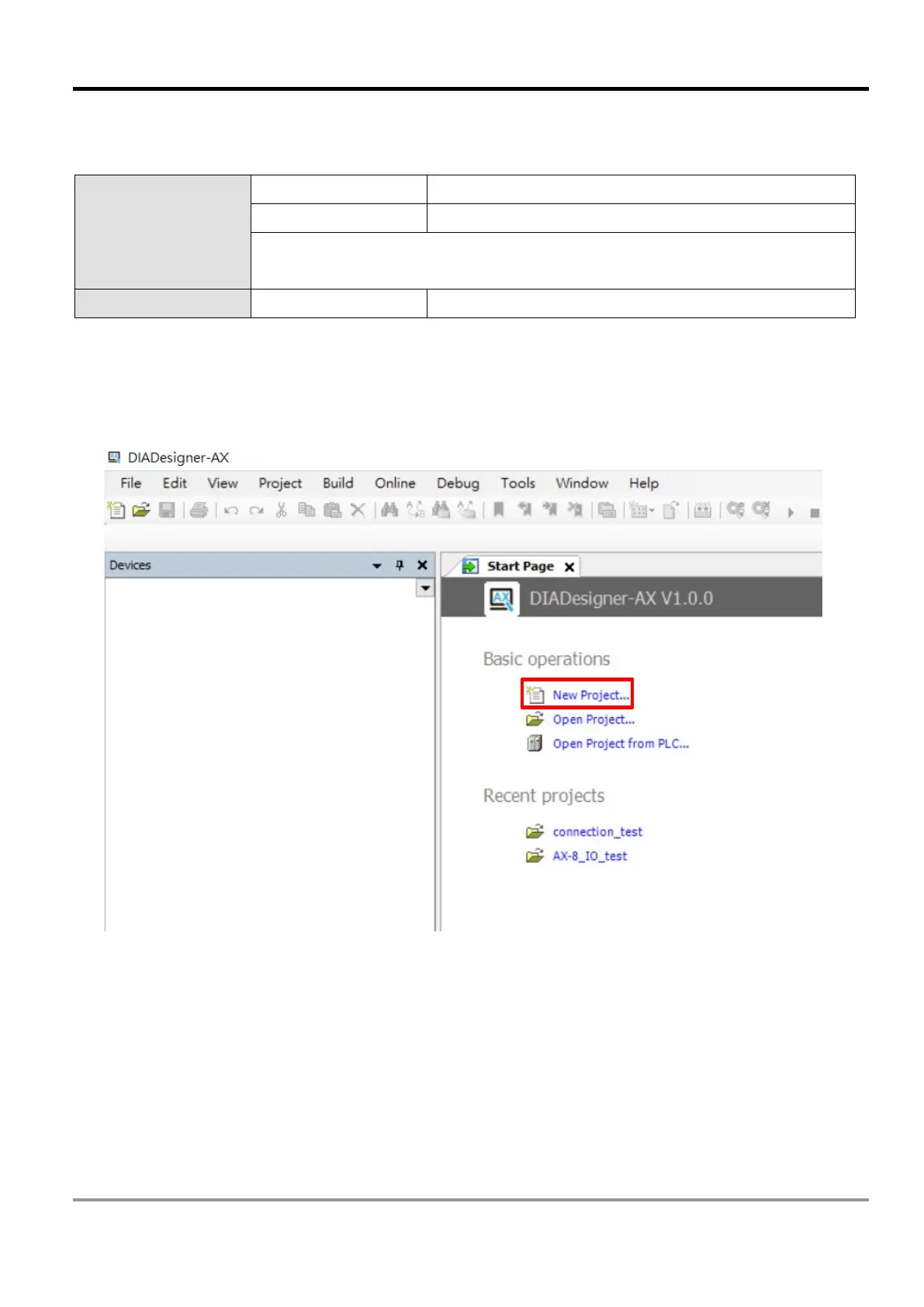
2. Run DIADesigner-AX software, then click on New Project



 To Next Page