35
Playing a USB memory device
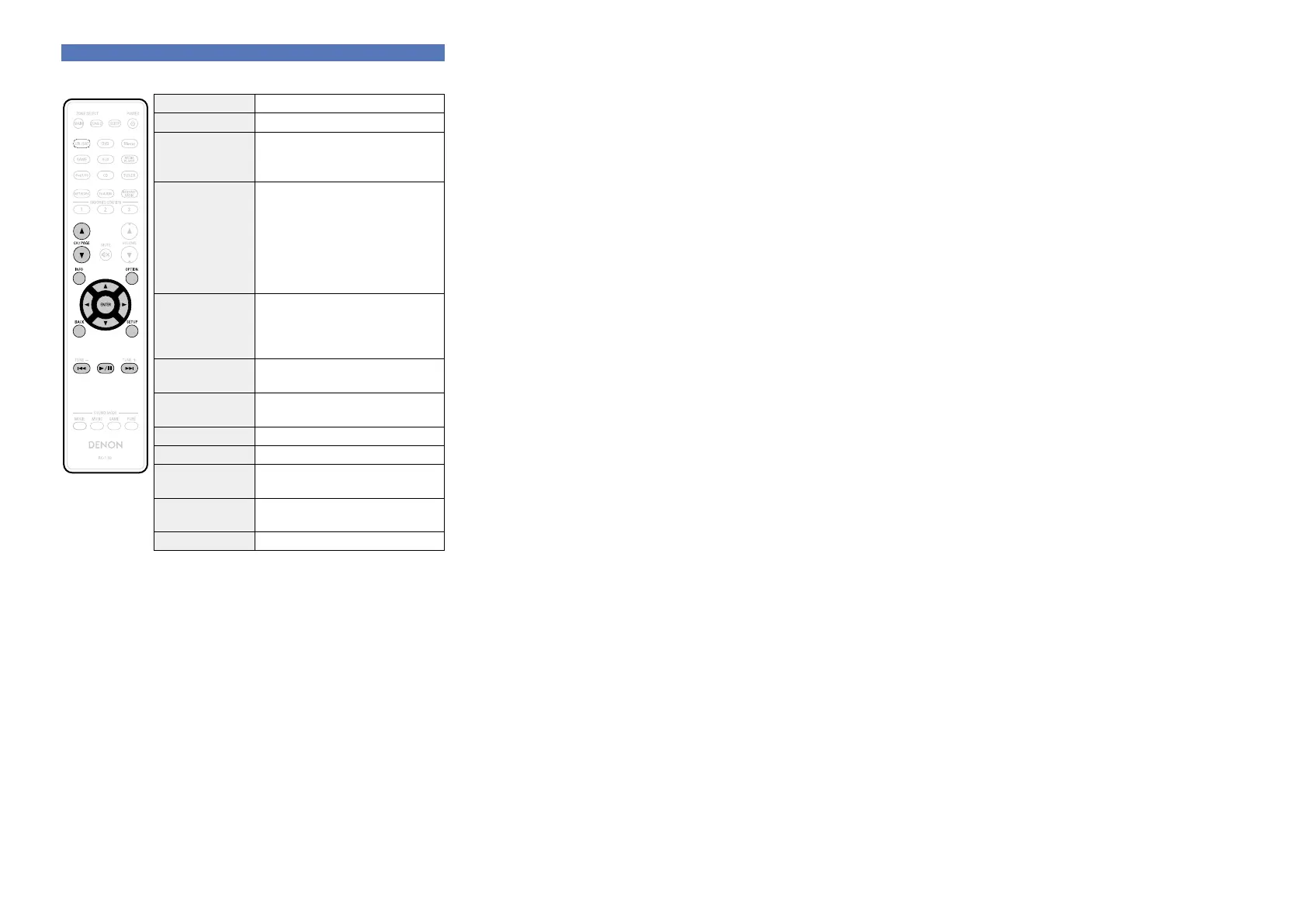
n USB memory device operation buttons
Operation buttons Function
CH/PAGE df Page search
INFO
Display of information such as the
source name, volume, and sound mode
name etc.
OPTION
Text Search /
Repeat playback /
Random playback /
Slideshow Interval /
Video Select /
Picture Mode /
All Zone Stereo
uio p
Cursor operation /
Next/Previous (ui) /
Fast-forward/Fast-reverse
(Press and hold, ui)
z
ENTER
(Press and release)
Enter
ENTER
(Press and hold)
Stop
BACK Return
SETUP Setup menu
8 9
(Press and release)
Next/Previous
8 9
(Press and hold)
Fast-forward/Fast-reverse
z
1/3 Playback / Pause
z This function is available while an MP3 / WAV / AAC / FLAC file is
being played back.


 To Next Page