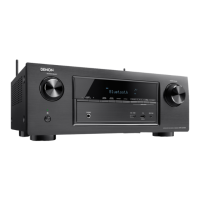
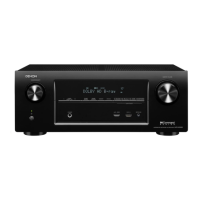
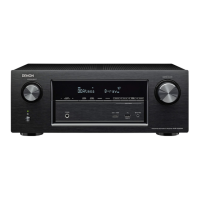
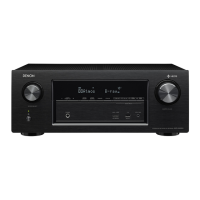
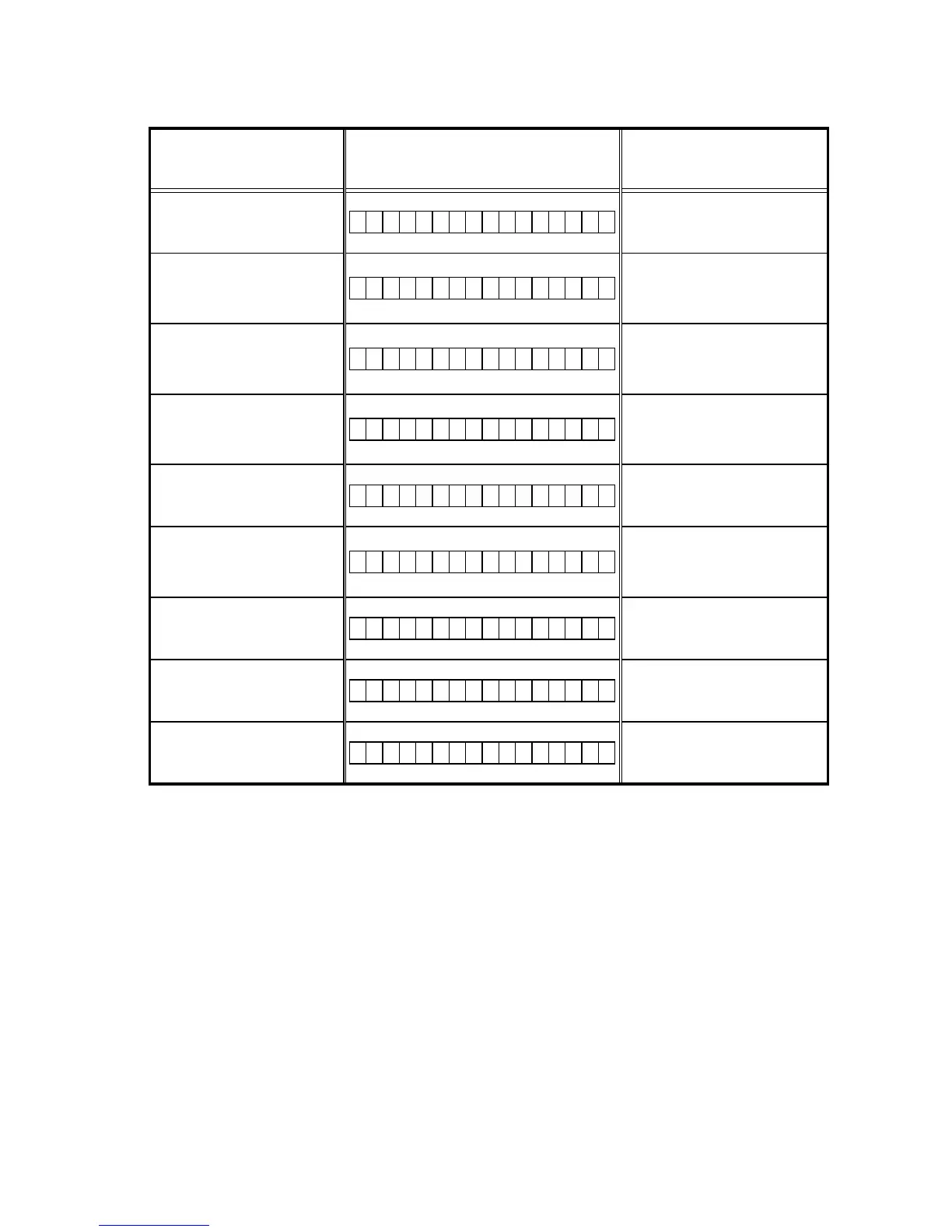
Device display during rmware update
Display of target device during rmware update.
Target device Display Error code when an error occurs
Main
M a i n : * * % * * * m i n
08 - 0C
10 - 15
22 - 24
36 - 3E
Sub
S u b : * * % * * * m i n
50-52
54-58
5A-64
Audio PLD
A P L D : * * % * * * m i n
50 - 52
54 - 58
5A - 61
VIDEOPLD
V P L D : * * % * * * m i n
50-52
54-58
5A-64
DSP
D S P : * * % * * * m i n
50 - 52
54 - 58
5A - 61
GUI Serial Flash
G U I : * * % * * * m i n
50 - 52
54 - 58
5A - 61
80 - 86
CX870 Boot Loader
E S B L : * * % * * * m i n
A0 - A4
A6 - A7
AE - B5
CX870 Image
E I M G : * * % * * * m i n
A0 - A4
A6 - A7
AE - B5
CX870 Image (Emergency Mode)
U p d a t e r e t r y
–
Checking the Firmware Version After an Update
After updating the rmware, check the version.
See "
1. Version Display Mode
" ( 21 page ).
75


 To Next Page
 Loading...