Turning the power on
1
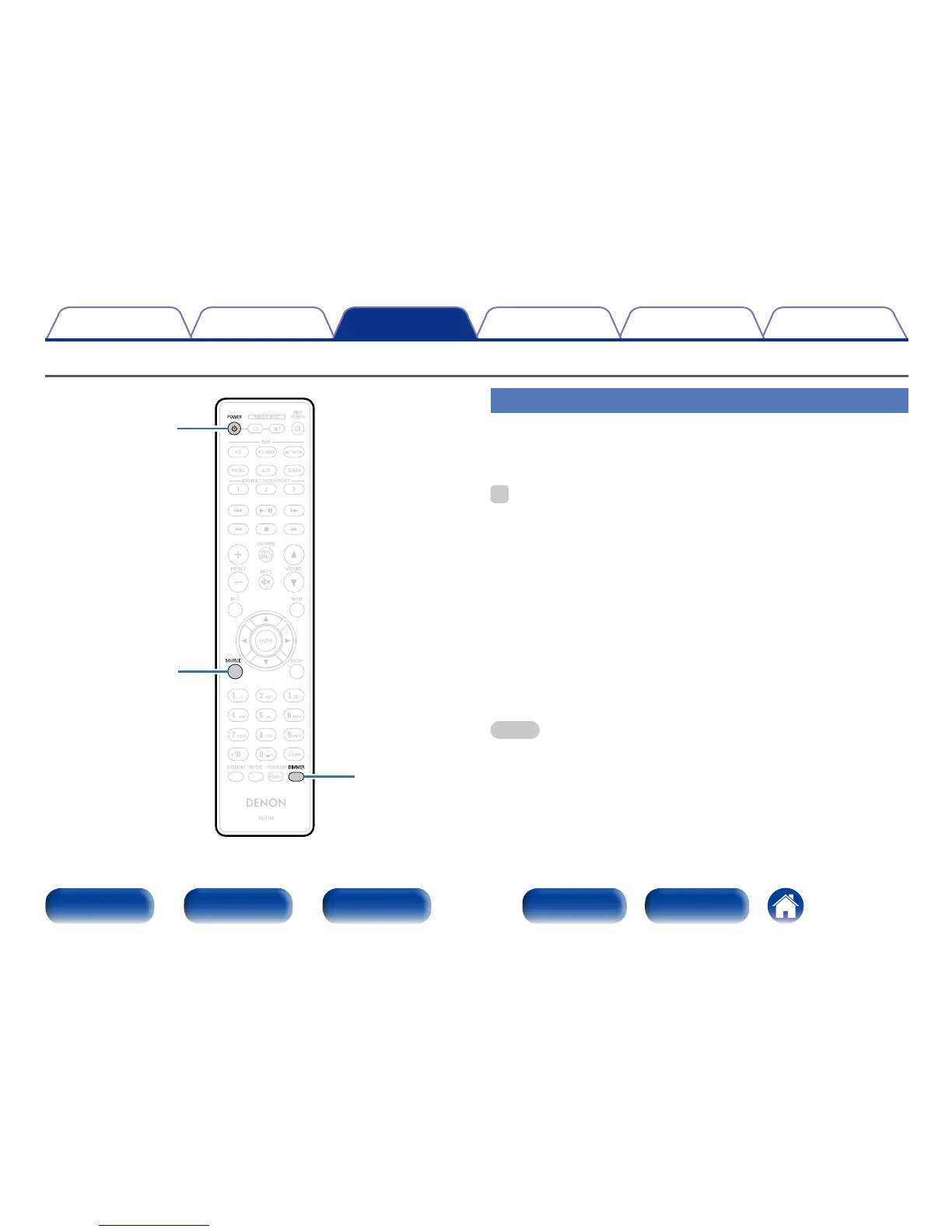
Press POWER X to turn on power to the unit.
The power indicator lights green.
%
•You can also press X on the main unit to turn the power on.
2 Switching the power to standby
1
Press POWER X.
2 Power indicator status
•Power “On” : Green
•Standby (Auto Standby mode “O”) : Red
•Standby (Auto Standby mode “On”) : O
•iPod charge standby : Orange
•Power “O” : O
NOTE
•Power continues to be supplied to some of the circuitry even when the power is
in the standby mode. When leaving home for long periods of time or when going
on vacation, either press
X on the main unit to turn o the power, or unplug the
power cord from the power outlet.
Basic operation
POWER
X
SOURCE
DIMMER



 To Next Page