Settings
When Auto Standby mode is set to On, if the unit remains in the stopped
state and no operations are performed or if there are no input signals for
approximately 30 minutes, the unit automatically switches to standby
mode.
•The default setting is “On”.
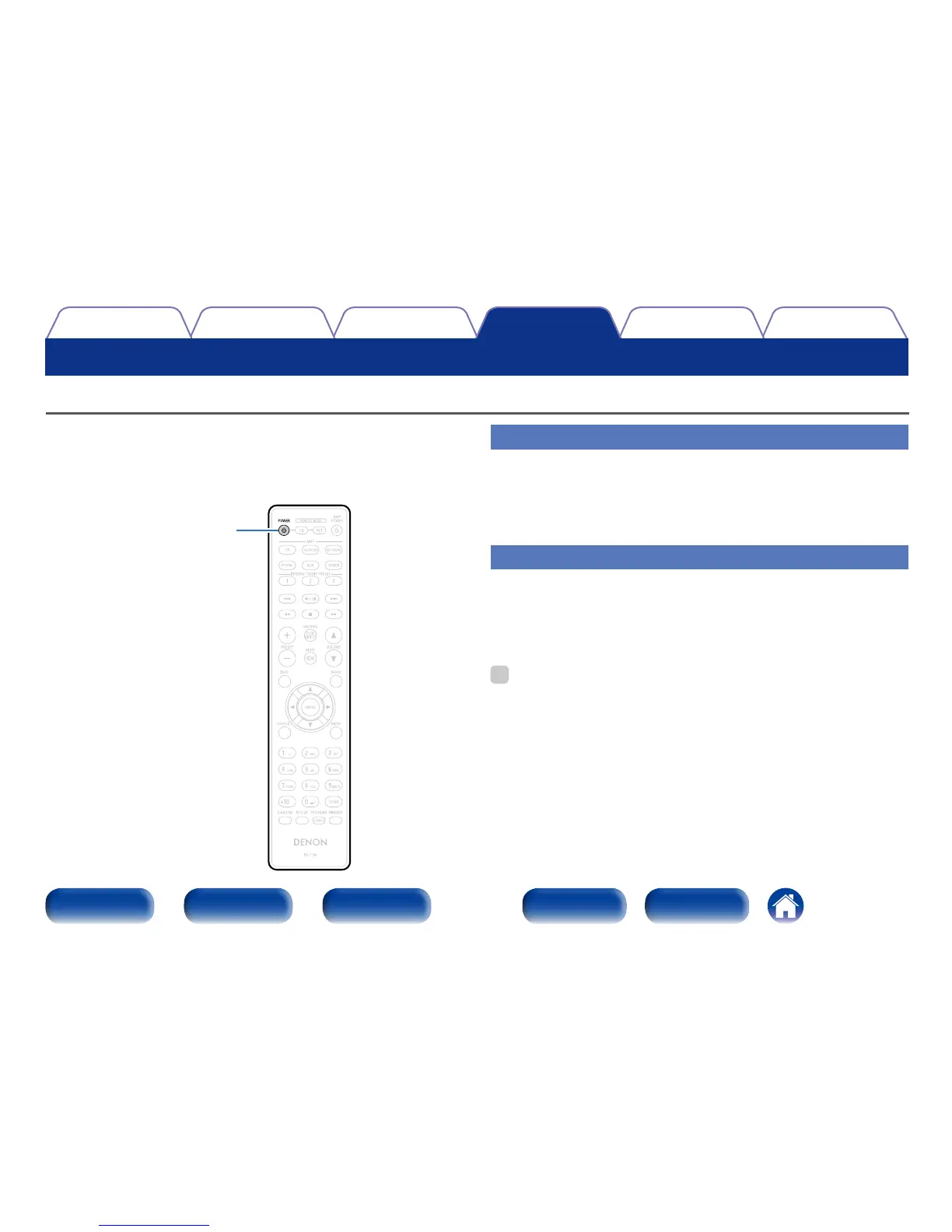
POWER
X
Turning Auto Standby mode o
1
Press and hold POWER X for more than 5 seconds to
turn the Auto Standby mode o.
The power indicator flashes three times.
Turning Auto Standby mode on
1
Press and hold POWER X for more than 5 seconds to
turn the auto standby mode on.
The standby indicator flashes three times.
%
•If you set the Auto Standby mode while the unit is On, the unit will enter the
standby mode as soon as the Auto Standby mode setting is completed.
•When iPod is being charged, this unit enters the power standby mode after
charging.
Setting the Auto Standby mode



 To Next Page