Playing CDs and Super Audio CDs
1
Insert a disc (vpage63).
•Press 5 on the unit to open/close the disc tray.
2
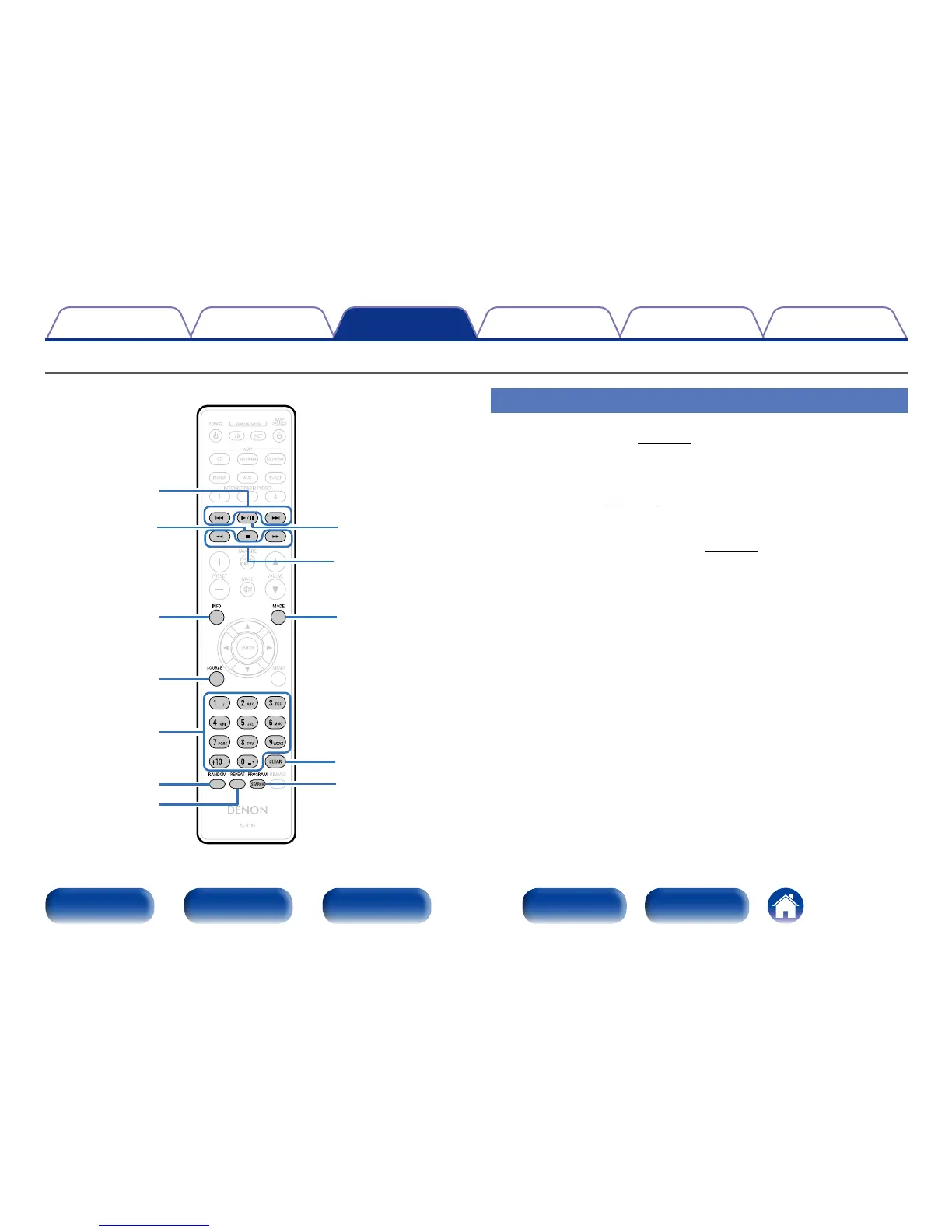
Press SOURCE to select the playback media mode to
“DISC” (vpage28).
3
When playing back a Super Audio CD, press MODE to
set the playback layer (vpage29).
4
Press 1/3.
The 1 indicator lights on the display.
Playback starts.
INFO
SOURCE
0 – 9, +10
RANDOM
REPEAT
CLEAR
PROGRAM
1
/
3
8
9
6
7
2
MODE
Playing CDs/Super Audio CDs



 To Next Page