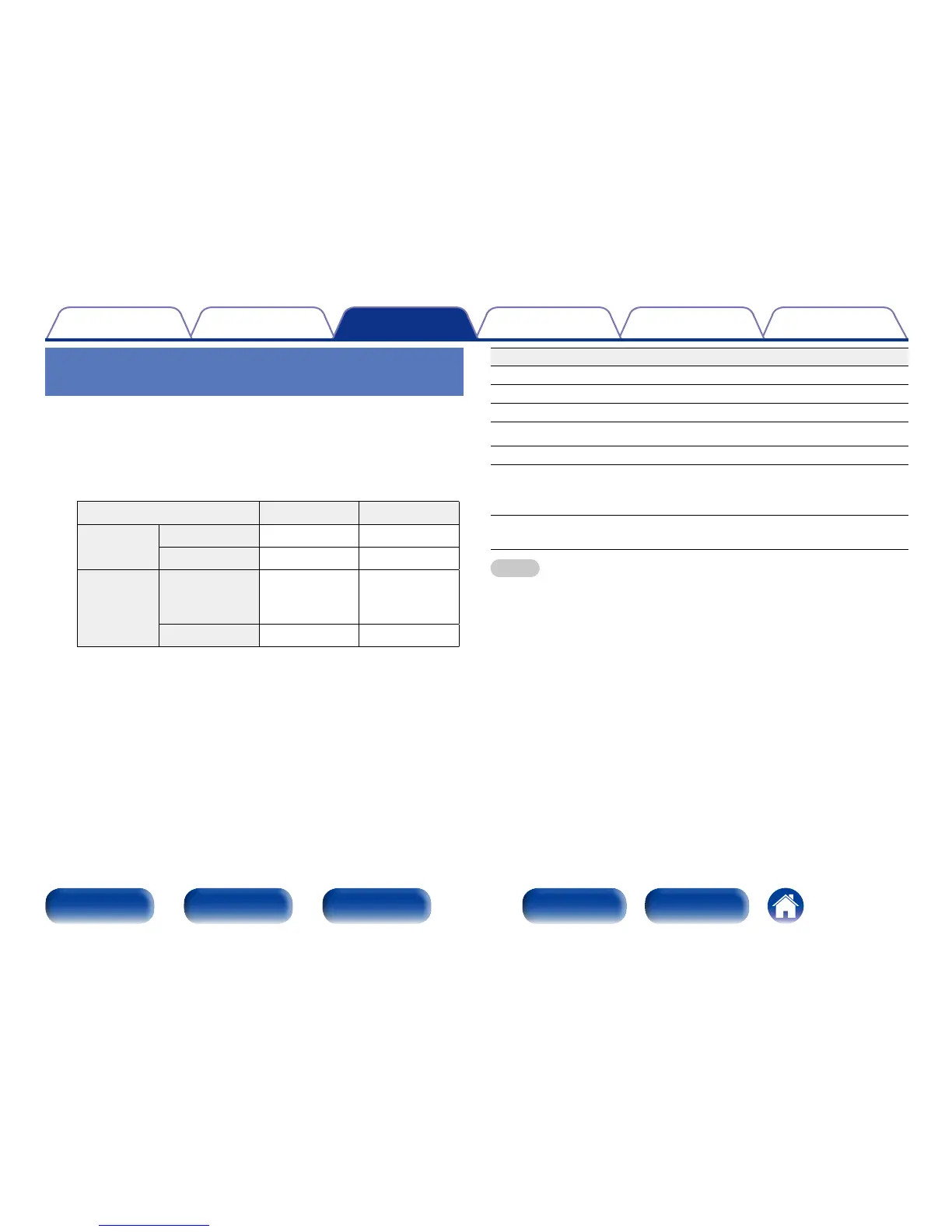
Operation buttons Function
1/3
Playback / Pause
2
Stop
8 9
Skip to previous track / Skip to next track
6 7
Fast-reverse / Fast-forward
RANDOM Random playback
REPEAT
Repeat playback
•Switching between Single-track repeat
and All-track repeat.
MODE
Switching between Browse iPod and
Remote iPod
NOTE
•Denon will accept no responsibility whatsoever for any loss of iPod data.
•Depending on the type of iPod and the software version, some functions may not
operate.
2 Switching the display
During playback, press INFO.
•Switching between the file elapsed time, title name, artist name and
album name.
Setting operation mode
(Browse iPod mode)
In this mode, various lists and screens during playback on the iPod are
displayed on the body.
This section describes the steps up to playing back tracks on the iPod
in“Browse iPod”.
1
Press MODE and display “Browse iPod”.
Display mode Remote iPod Browse iPod
Playable
files
Music file
P P
Video file
z
Active
buttons
Remote
control unit
(This unit)
P P
iPod
P
z Only the sound is played.
2
Use ui to select the file to be played, then press ENTER.
Playback starts.



 To Next Page