Technical Specification - CONFIDENTIAL - Page 4 of 21
DESKO ICON Scanner
®
Doc # 7 001 140 101 Doc.-Rev.: 2016-11-09
1 Security Advice, Handling Rules & Package Content
1.1 Security Advice
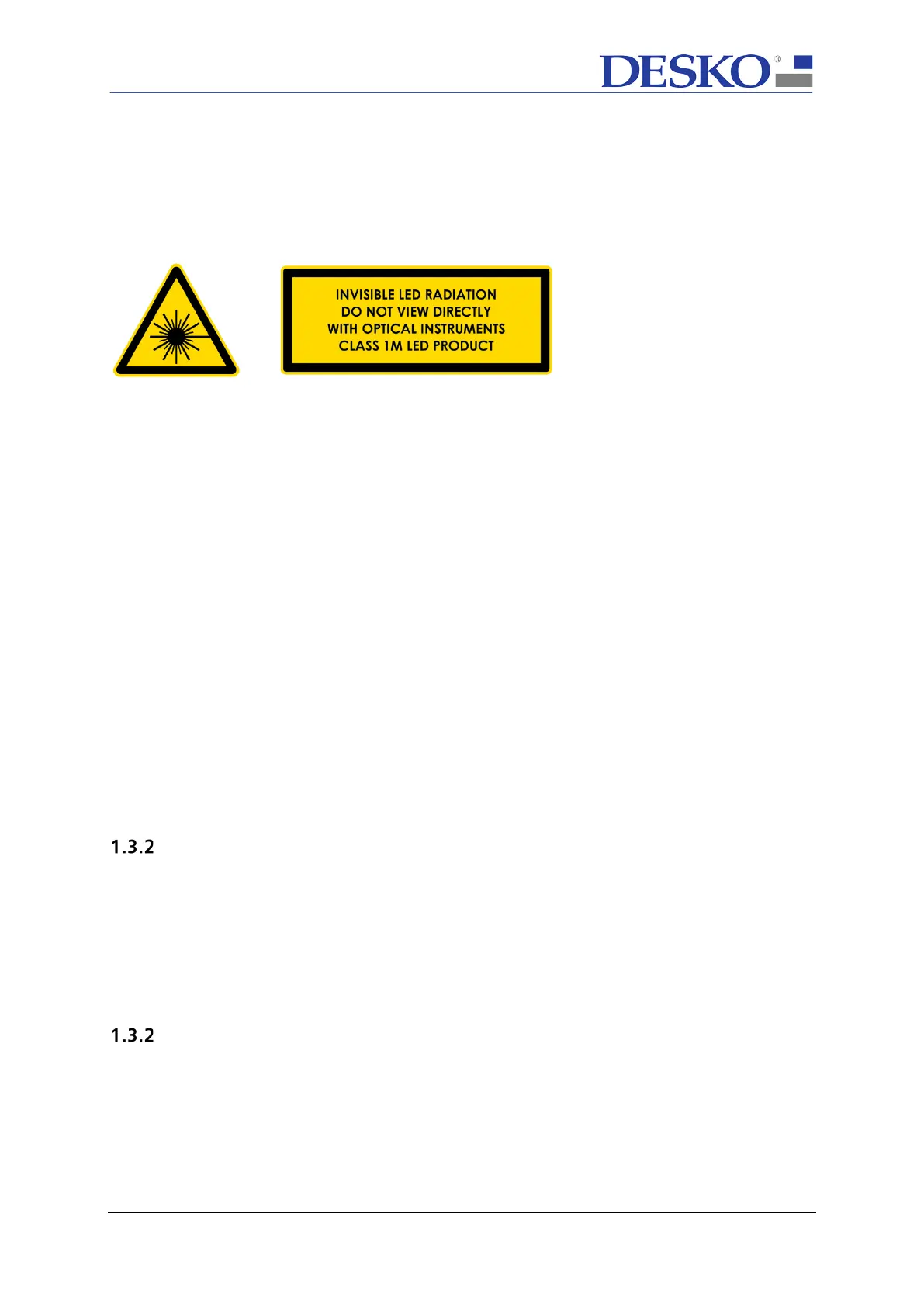
The ICON Scanner family contains UV-A and IR light sources which are classified as CLASS
1M LED PRODUCT according to IEC 60825-1.
That means that the light sources radiate intense invisible UV-A and IR light during the
scan process. So consequently precautions must be taken to prevent looking directly at the
UV-A and IR light.
NOTE: UV-A is an optional light source and might not be installed in every unit.
1.2 Handling the ICON Scanner
The ICON Scanner is designed to work in a rough environment and to withstand light
shocks.
Nevertheless, DESKO recommends the following handling rules:
• Do not drop or hit the device.
• Prevent the device from heavy vibrations.
• The device is not waterproof, prevent the device from getting wet.
• Prevent the device from heavy dust.
• Do not lift the DESKO ICON Scanner by pulling on its cover.
• To avoid scratches prevent the glass surface from sharp objects.
1.3 Package Content
Standard Version
• ICON Scanner
• Power supply (5.0V DC), different country versions
• USB 2.0 cable
• Quick Installation Guide with the link and log-in data for the ICON
Scanner download area. Within the download area you will find all relevant
documents for the ICON Scanner and necessary tools and drivers.
OEM Version
• ICON Scanner
• Quick Installation Guide with the Web link and log-in data for the DESKO ICON
Scanner download area.



 To Next Page