Technical Specification - CONFIDENTIAL - Page 7 of 21
DESKO ICON Scanner
®
Doc # 7 001 140 101 Doc.-Rev.: 2016-11-09
3.2.3 Passport Image Scanning
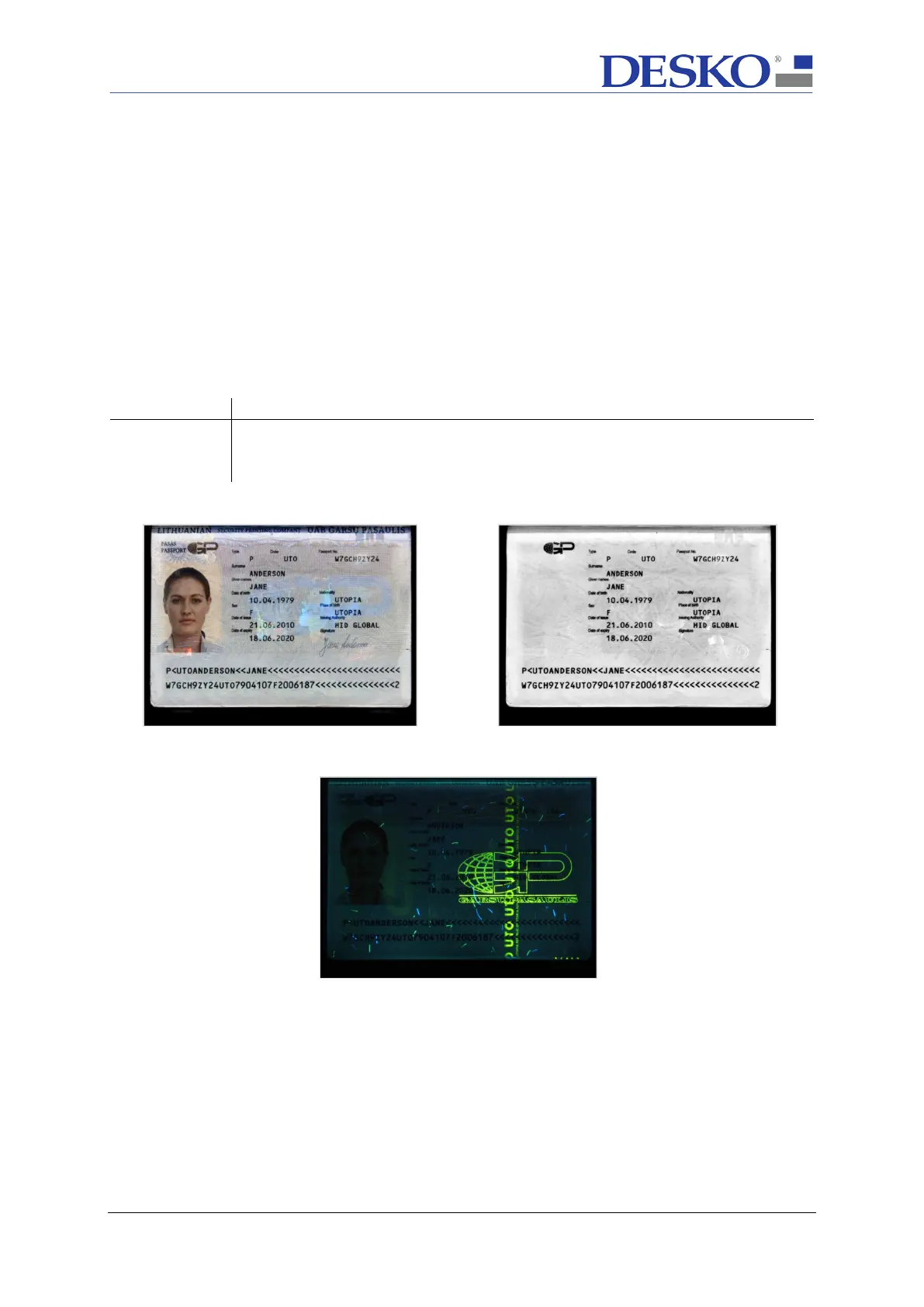
The ICON Scanner is able to scan documents with three different light sources (VIS, IR, UV-
A). With the DESKO software you can capture images in JPEG, BMP, PNG or RAW format.
The image resolution of the ICON Scanner
is scalable up to 600 DPI. Scanned images are
glare reduced. Optional elimination of extraneous light is available.
Scanning time for all three images takes an average time of around 1.5 seconds,
depending on image resolution, PC system and application. Scanning time may vary with
older PC systems or higher image resolutions.
Description of the used light sources (all light sources are LED light sources):



 To Next Page