Basic box operation (using saved documents)
2
2-30 ineo+ 220/280/360 (Version 3)
2.7
2.7 Basic box operation (using saved documents)
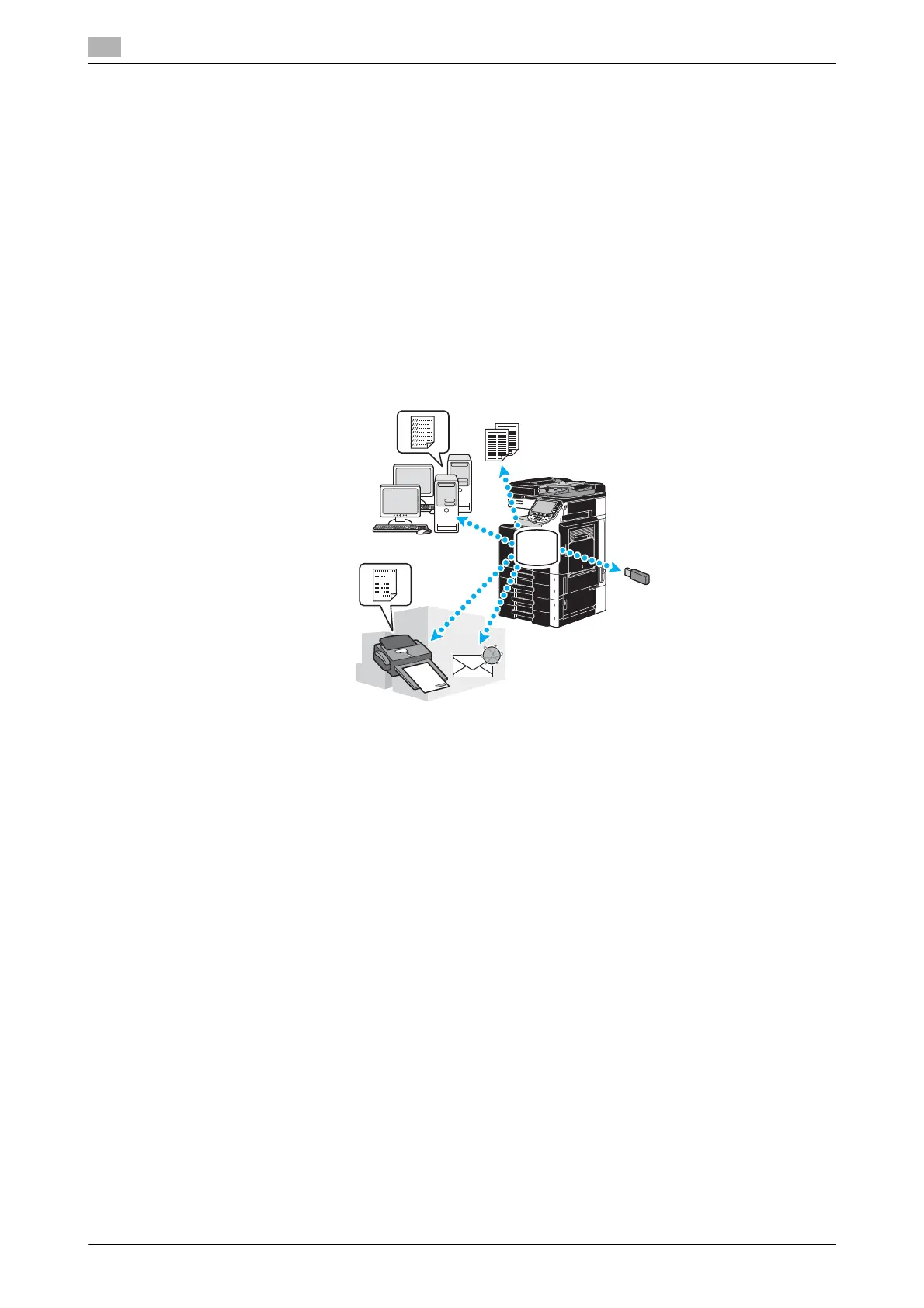
The following procedures describe how to print and send data saved in user boxes.
User Box mode
Data saved in a user box can be printed or sent when needed. This is useful in the following cases.
- Reprinting documents that have previously been printed: The documents can quickly be printed without
using a computer or an application.
- Saving paper documents as data to be managed: Large amounts of paper documents can be saved as
data and stored in a compact format, reducing the amount of office space needed.
- Efficiently transmitting and sharing documents: Documents can easily be transmitted on a network
without using a computer.
- Printing documents in an external memory: Documents saved in an external memory can be printed by
connecting it directly to the machine without computer. Using the wireless connection, you can also
output data in a cellular phone or PDA.
d Reference
You can file or edit data saved in a user box. If necessary, you can move saved data or delete a page in a
document.
Operations on data saved in user boxes can also be performed with Web Connection from a Web browser
on a computer.
By using Web Connection, you can search for data in user boxes or you can print or send data without leaving
your desk.
Data can more easily be imported from a user box to the computer. For details, refer to page 7-16 of this
manual. Also refer to chapter 9 of the [User’s Guide Box Operations].









 To Next Page