Reducing electricity usage
3
3-38 ineo+ 220/280/360 (Version 3)
3.14
3.14 Reducing electricity usage
This machine is equipped with two Power Save modes for conserving energy. In addition, the weekly timer
allows use of the machine to be limited if days and time periods when the machine is not used are
programmed.
Settings can be specified for these features from Administrator mode.
Low Power mode and Sleep mode
If no operation is performed on the machine for a specified length of time, the machine automatically enters
a mode where it conserves energy. If no operation is performed on the machine for 15 minutes, the touch
panel goes off and the machine enters Low Power mode. If no operation is performed for 20 minutes, the
machine enters Sleep mode, where the energy conservation effect is larger (Factory default).
d Reference
For details, refer to chapter 4 of the [User’s Guide Copy Operations].
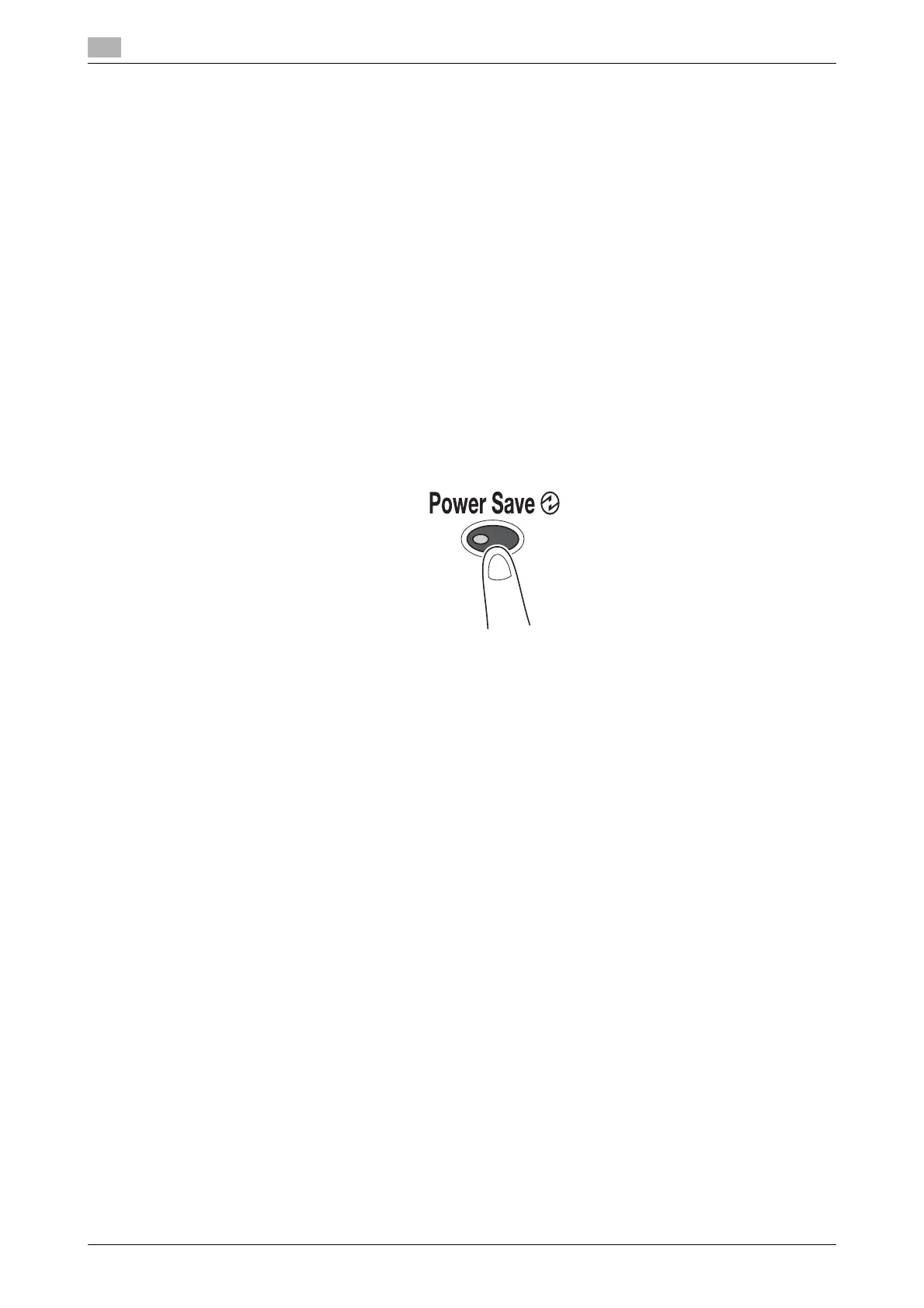
Manually entering a Power Save mode
Instead of waiting the specified length of time, the machine can be manually set to enter a power-saving
mode in order to conserve energy. As a factory default, the machine is set to enter Low Power mode when
the [Power Save] key is pressed.









 To Next Page