ineo+ 220/280/360 (Version 3) 3-39
3.14 Reducing electricity usage
3
Weekly timer
The machine can be set to automatically enter Sleep mode according to a usage schedule determined by the
administrator to limit the machine’s use. You can specify the time to turn on and off the machine separately
for each day of the week, and also can specify operation days by date.
d Reference
For details, refer to chapter 7 of the [User’s Guide Copy Operations].
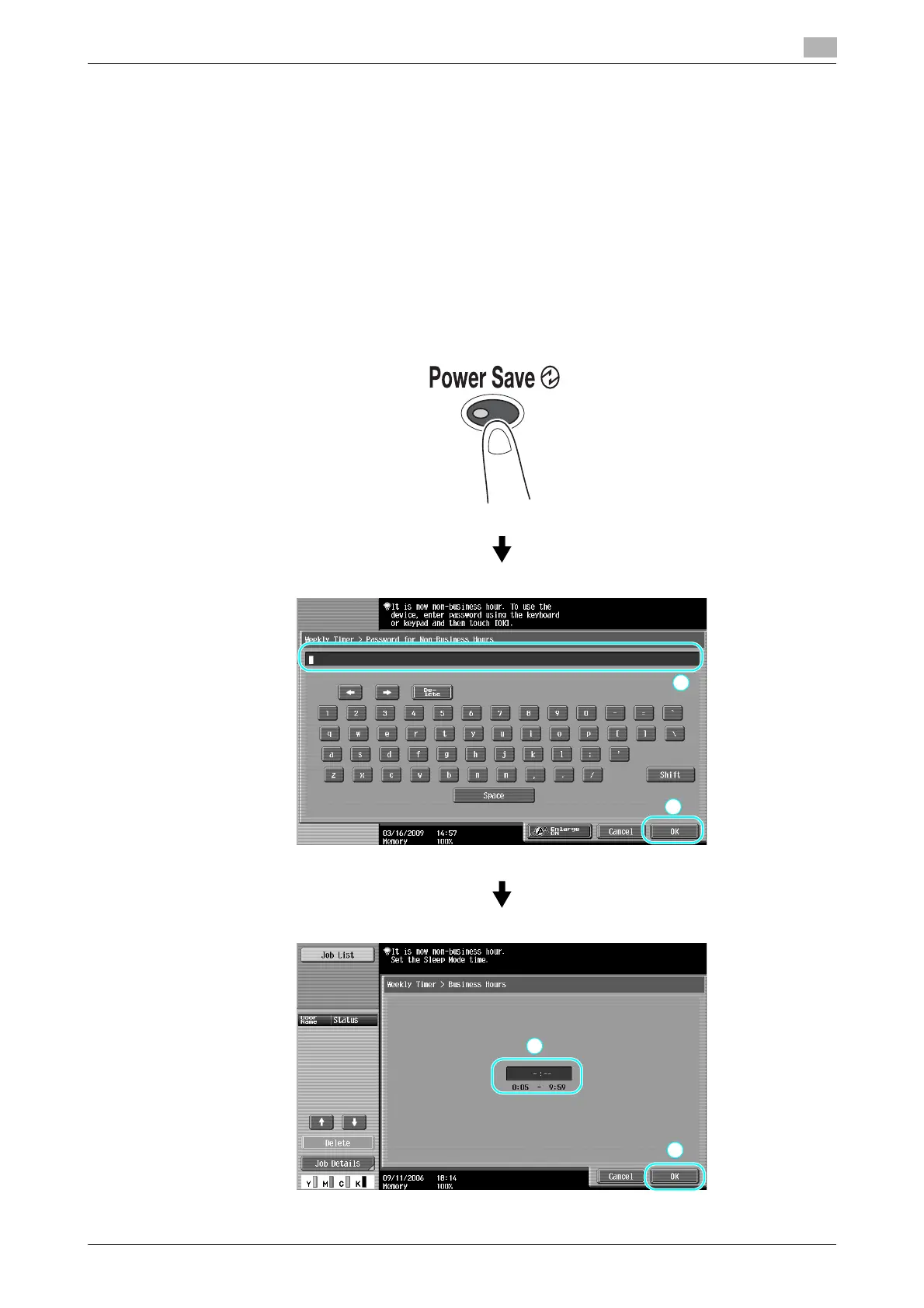
Copying while the weekly timer is being used
The limitations of the weekly timer can temporarily be canceled so the machine can be used. In order to
cancel the limitations, the operating hours must first be entered. A password for non-business hours must be
specified in Administrator mode.









 To Next Page